

Bottles: An alternative application for the easy management of Wine
Although many GNU/Linux users (Linuxers) usually prefer to keep their operating systems free and open, away from any proprietary, closed, and commercial applications , there are some who, for various personal or work-related reasons, resort to various software mechanisms or tools that allow their use, especially Windows applications (WinApps).
Therefore, on this occasion we will talk about a not so well known, but very useful and practical open source application that facilitates the installation and use of Windows applications and games on GNU/Linux using Wine , called "Bottles".
Bottles: Run WinApps on Linux using Wine
What is Bottles?
According to its official website , "Bottles" is described as:
" An application to easily run Windows software on Linux using Bottles. "
However, we can add the following to expand our knowledge about it:
"It is an application that allows you to easily manage wine prefixes (wineprefixes) in your favorite GNU/Linux distributions.
Finally, it's important to clarify that "wineprefixes" are environments in which it's possible to run Windows software thanks to Wine . And Wine is a compatibility layer capable of running Windows applications . For this reason, "Bottles" refers to "wineprefixes" as bottles . This is all based on the analogy that wine, in theory, should be in bottles.

Features
Among the most important or notable are the following:
- It is an intuitive software.
- Easy to download and install.
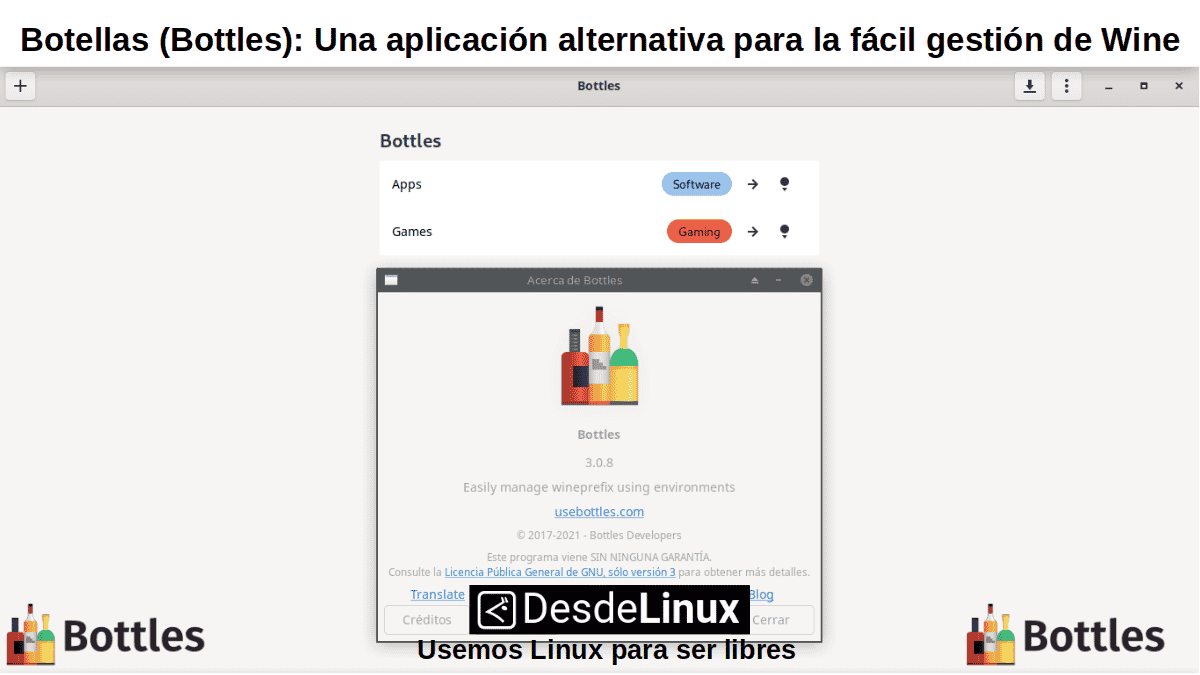
- It is going for its stable version 3.0.8, dated 08/03/2021.
- It is multilanguage, although especially in Spanish, the translation is not complete.
- It is available in the following file formats: AppImage, FlatHub, Compressed (Tar.gz).
- Its installation file in any format is relatively small (+/- 2MB for FlatHub and +/- 0,4MB for AppImage), but that only includes the graphical interface, the splash screen, and a few other basics. The rest are usually downloaded during the installation and configuration of each bottle. This usually includes Wine components and others such as Gecko.
Personally, what I liked most about "Bottles" is its friendly and intuitive interface , which allows us to easily create a bottle, indicating whether we want it to be created with a configuration profile to install an application or a game , or alternatively, to customize the Bottle 's configuration.
Download, Installation and Screenshots
To download it, go to its official download section , where you can download it in various formats. For easier installation, visit the following link , which provides different methods for each available format.
And to learn more about how the application is inside, we offer you the following screenshots so that you can explore its functions and scope:
Home Screen
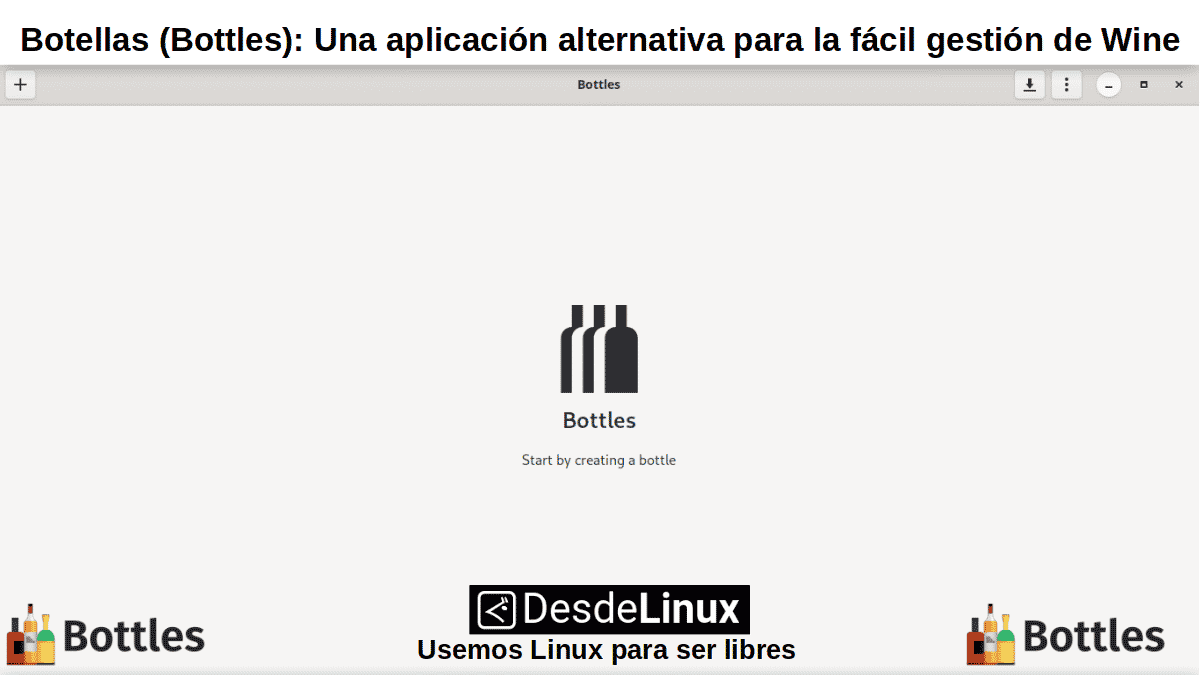
First screenshot of the main menu
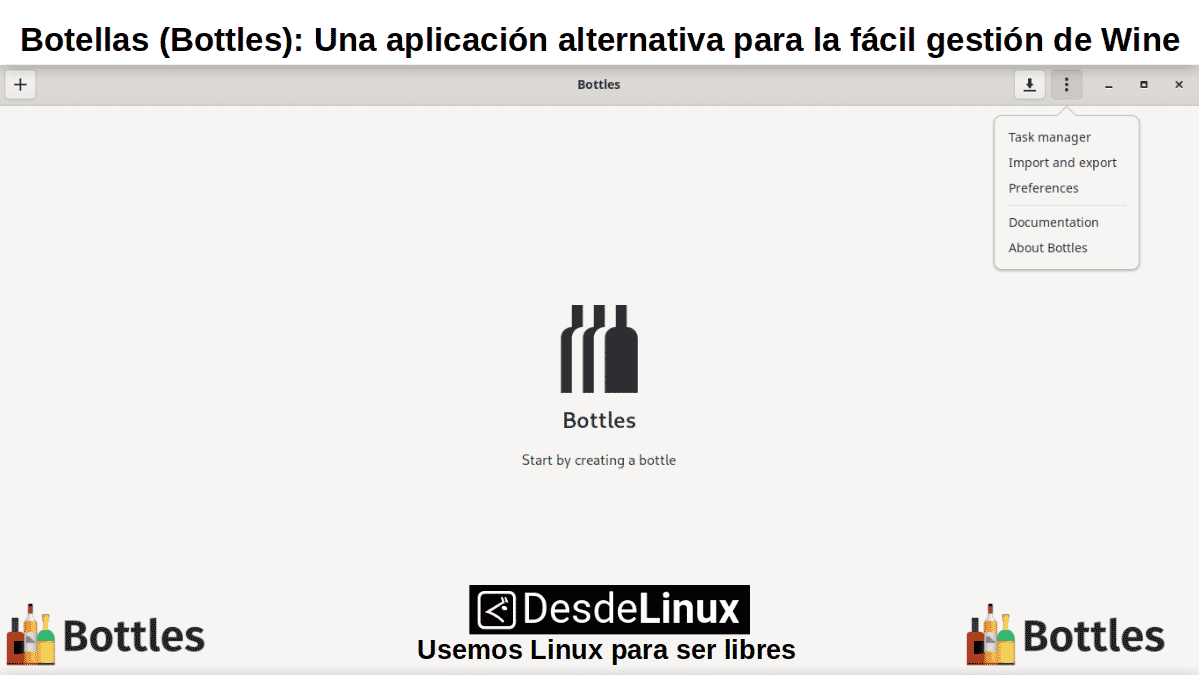
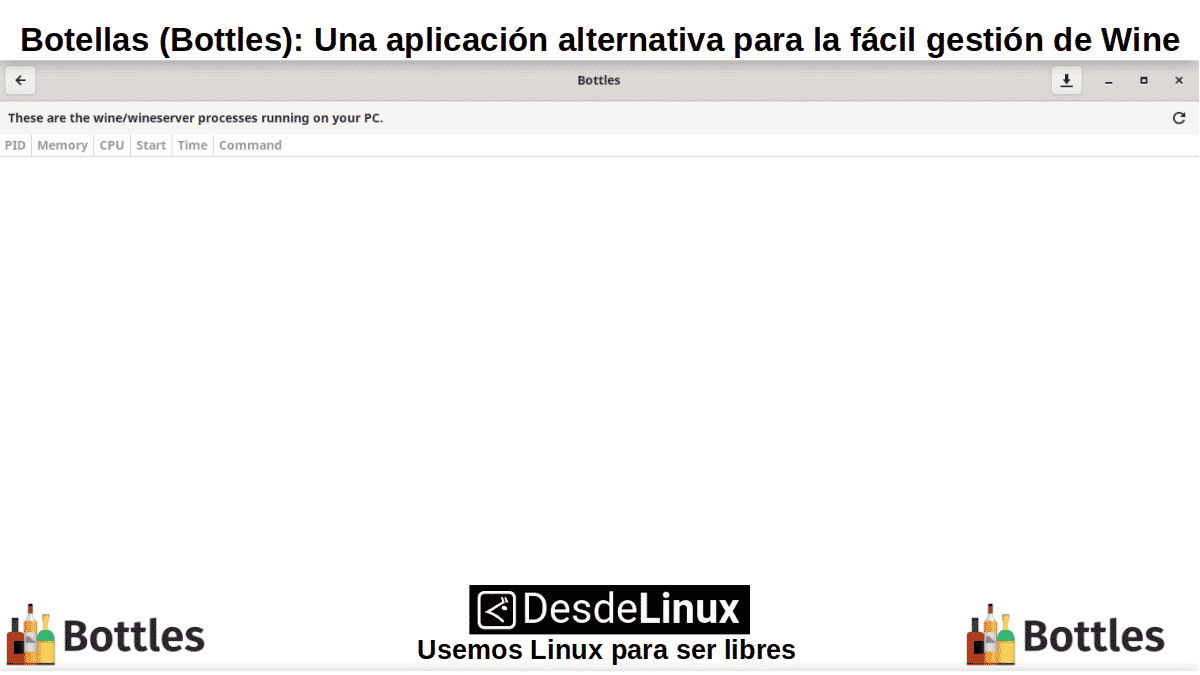
Second screenshot of the Main Menu : Task Manager option
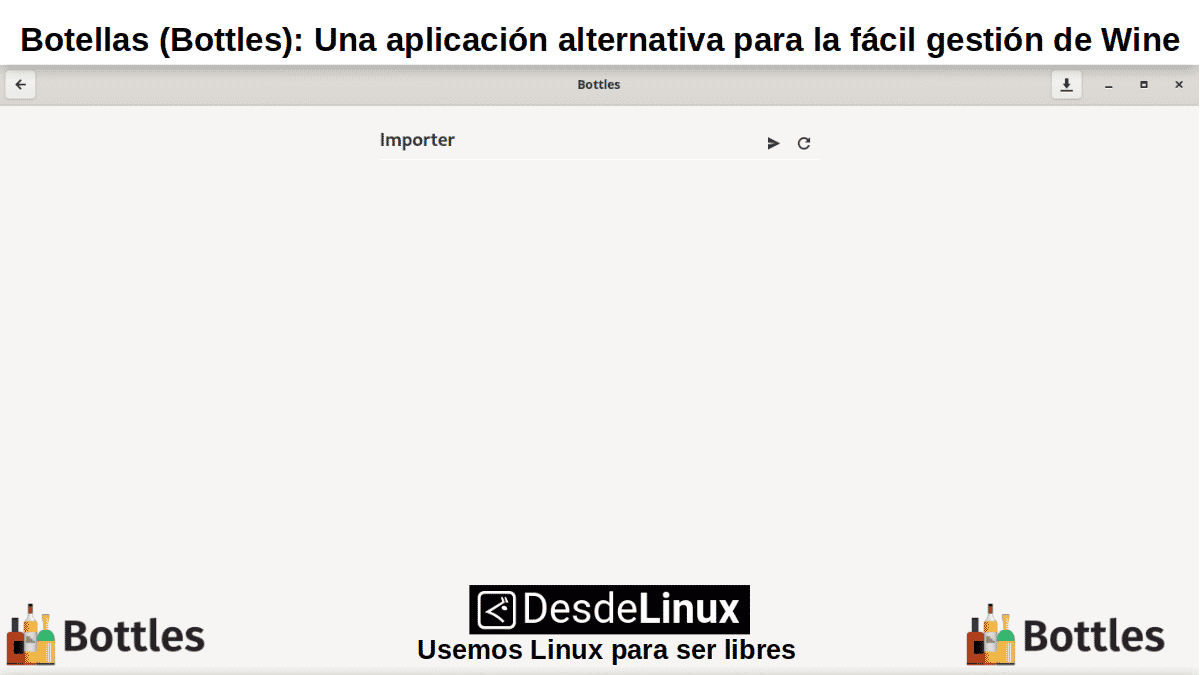
Third screenshot of the Main Menu : Import and Export option
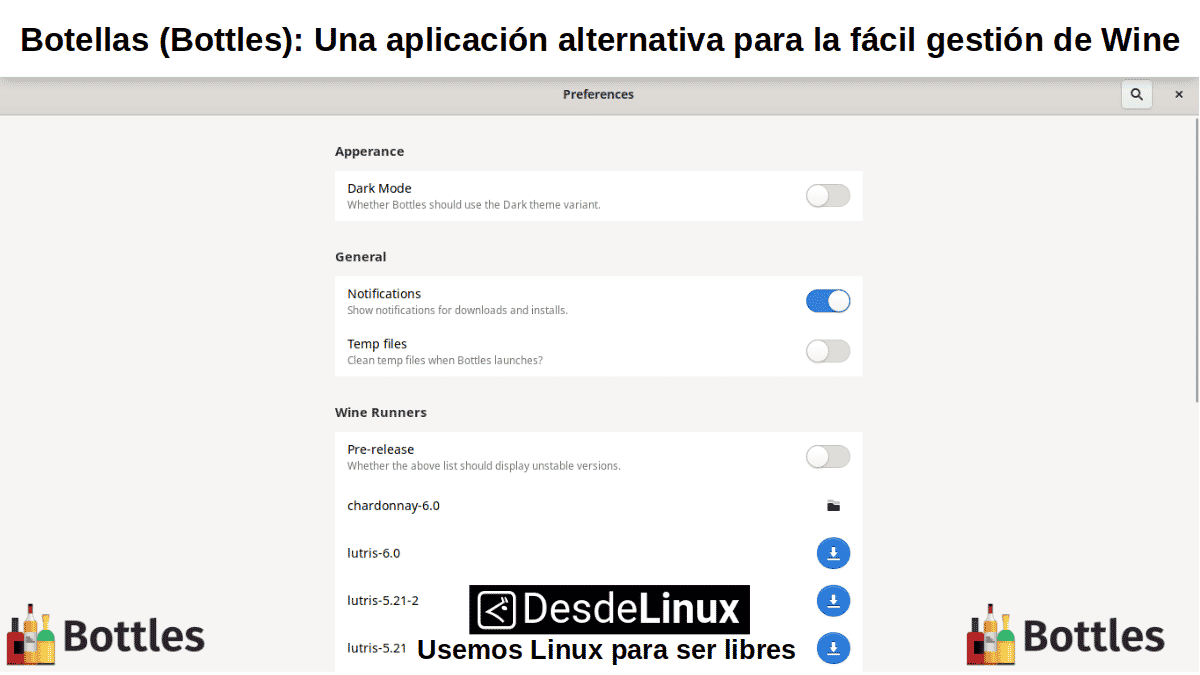
Fourth screenshot of the Main Menu : Preferences option

Create a Bottle : Home Screen

First screenshot of the Created Bottle settings menu : Bottle option

Second screenshot of the Created Bottle settings menu : Preferences option
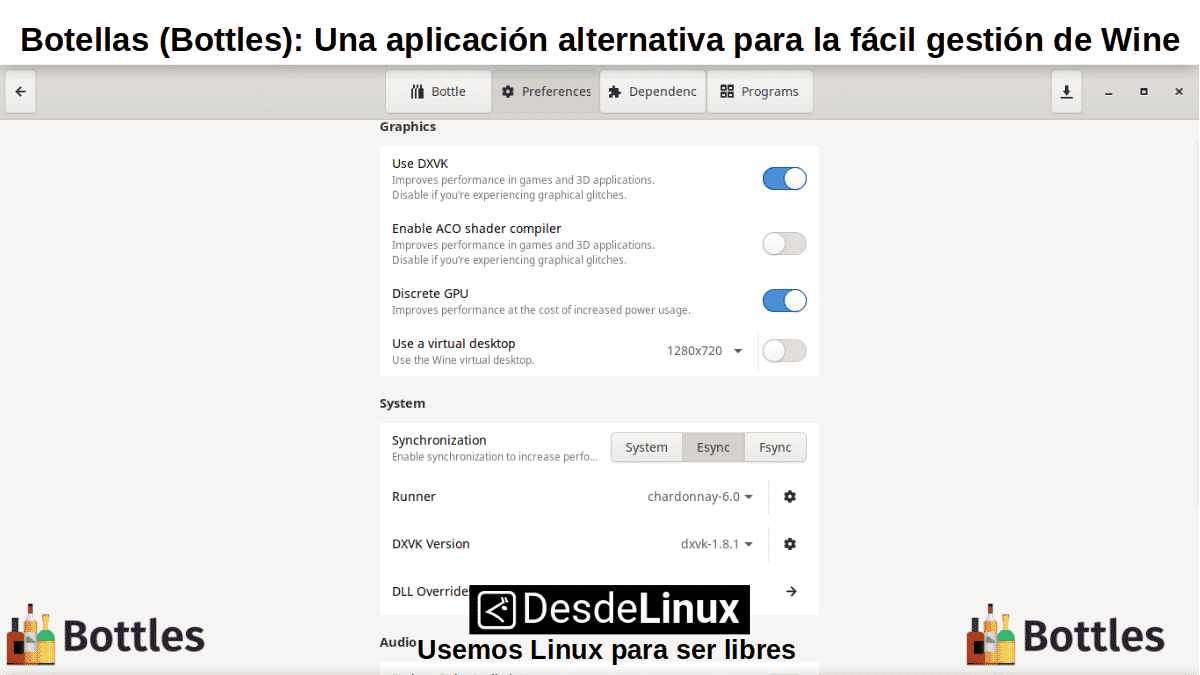
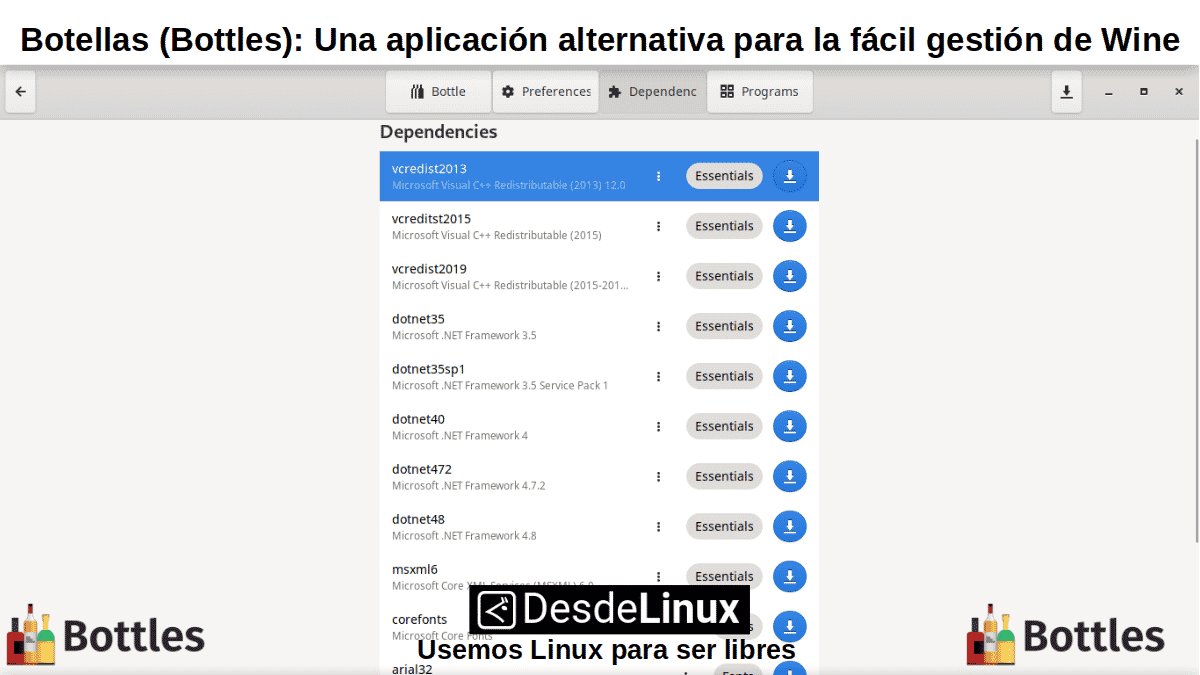
Third screenshot of the Created Bottle configuration menu : Dependencies option
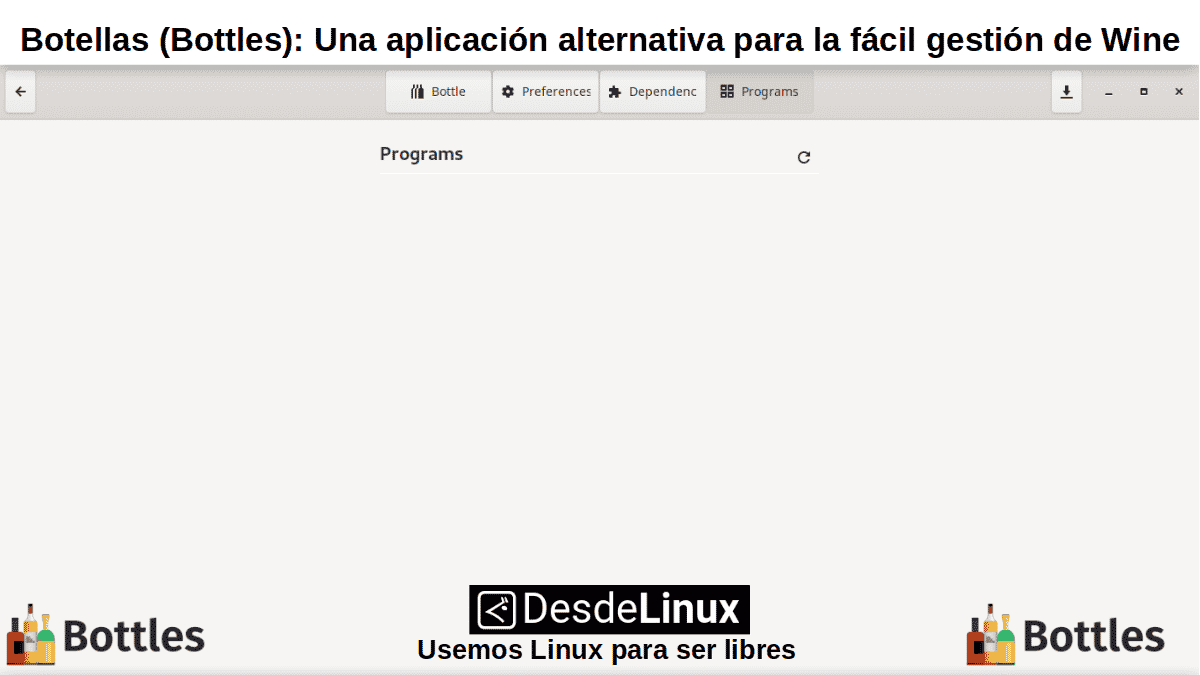
Fourth screenshot of the Created Bottle configuration menu : Programs option
At this point, the only thing left is that if you liked it and need it or want to try it, download it, try it and enjoy it.

Conclusion
We hope this "useful little post" about «Botellas (Bottles)», an excellent and useful open source application created to facilitate the installation and use of Windows applications (WinApps) on Linux using Wine; is of great interest and utility, for the entire «Comunidad de Software Libre y Código Abierto» and of great contribution to the diffusion of the wonderful, gigantic and growing ecosystem of applications of «GNU/Linux».
For now, if you liked this publicación, Do not stop share it with others, on your favorite websites, channels, groups or communities of social networks or messaging systems, preferably free, open and / or more secure as Telegram, Signal, Mastodon or another of Fediverse, preferably. And remember to visit our home page at «FromLinux» to explore more news, as well as join our official channel of Telegram from DesdeLinux. While, for more information, you can visit any Online library , the OpenLibra y jedit, to access and read digital books (PDFs) on this topic or others.
Table of Contents