
Greetings, Dear cyber-readers, this time we bring you to Genymotion an excellent program that I have started using to bypassing the technological limitations of Hardware and Software on my Smartphone.
Genymotion: is a specific cross-platform emulator to support Android, which fluently and quickly executes different mobile devices (Phones and Tablets) based on this Operating System. For those in MS Windows they use BlueStacks, Genymotion it is the best choice for emulator Android and run all kinds of applications and games in our multiple Operating Systems (Windows, Mac or GNU / Linux).
Genymotion It is ideal apart from being used to test games and applications, to facilitate Android application development. Above 4.500.000 million registered users, many distributed among more than 10.000 large companies validate its stability and practicality. This emulator makes use of VirtualBox (Virtual Machines) to run the Execution Environments (Virtual Phones and Tablets) that in turn support the different old and current versions, stable or testing, where you can test your future apps for Android and real mobile devices.
Perhaps many are aware of similar projects, but the Team in charge of Genymotion has managed to present a simple interface capable of supporting different Hardware with different versions of Android for any type of user, without forgetting the developers who are its main market objective and therefore business model.
That is, they have achieved in a few easy clicks to allow a user to create For example, a virtual machine that emulates devices based on brands of products from Google, HTC, Motorola, Samsung, Sony, among others, and for different Android settings 2.X, 3.X, 4.X, 5.X and 6.X, adding different screen resolutions. And the best of all is that over time the number of devices and versions of android available is increasing as technology advances.
Genymotion Virtual Machines current provide all essential features required in a Mobile device, such as the use of our internet connection, simulation of our location via GPS, camera simulation, battery status, device rotation, and Installation of Google Play Store and almost any official or unofficial Apps of your choice. Since obviously due to licensing problems, Genymotion does not include by default anything from Google, although surely at any time, this can be solved. Although there is no problem, since Genymotion allows you to install any apk o zip dragging the file over the emulator. So we can take a look at the multiple pages available with unofficial Android content and choose an Apps in format apk o zipas rootwiki and install any compatible with our emulated device.
The company supports Genymotion they also offer premium accounts including touch remote control from another device, or pixel perfect to achieve the design of some apps as it would be displayed on an X device, or to be able to record a screencast (video) from the interface.
In summary, Genymotion is currently one of the best cross-platform free Android emulators. It is not only flexible, very powerful, easy to use but it is ideal for both Android developers and the ordinary user. It offers us the possibility of emulating an important collection of different Android devices, to which you can add the use of the PC keyboard and mouse, Internet access and many other features more automatically, such as geolocation and increasing / decreasing the size of the window. Out of functionality settings ADB (Android Debug Bridge), an option reserved for advanced users. Any user can use Genymotion no need to configure anything.
Genymotion works like a charm, At the performance level, with 1 GB of RAM and 1 assigned CPU can run a simple device with a version 2.X of Android and with 4 GB and 2 CPUs up to the best of the devices available in the market with the latest available version of Android (6.X ). Almost everything works perfectly and there are very few things like Very complex graphics games which usually cannot be played.
How to install and use Genymotion
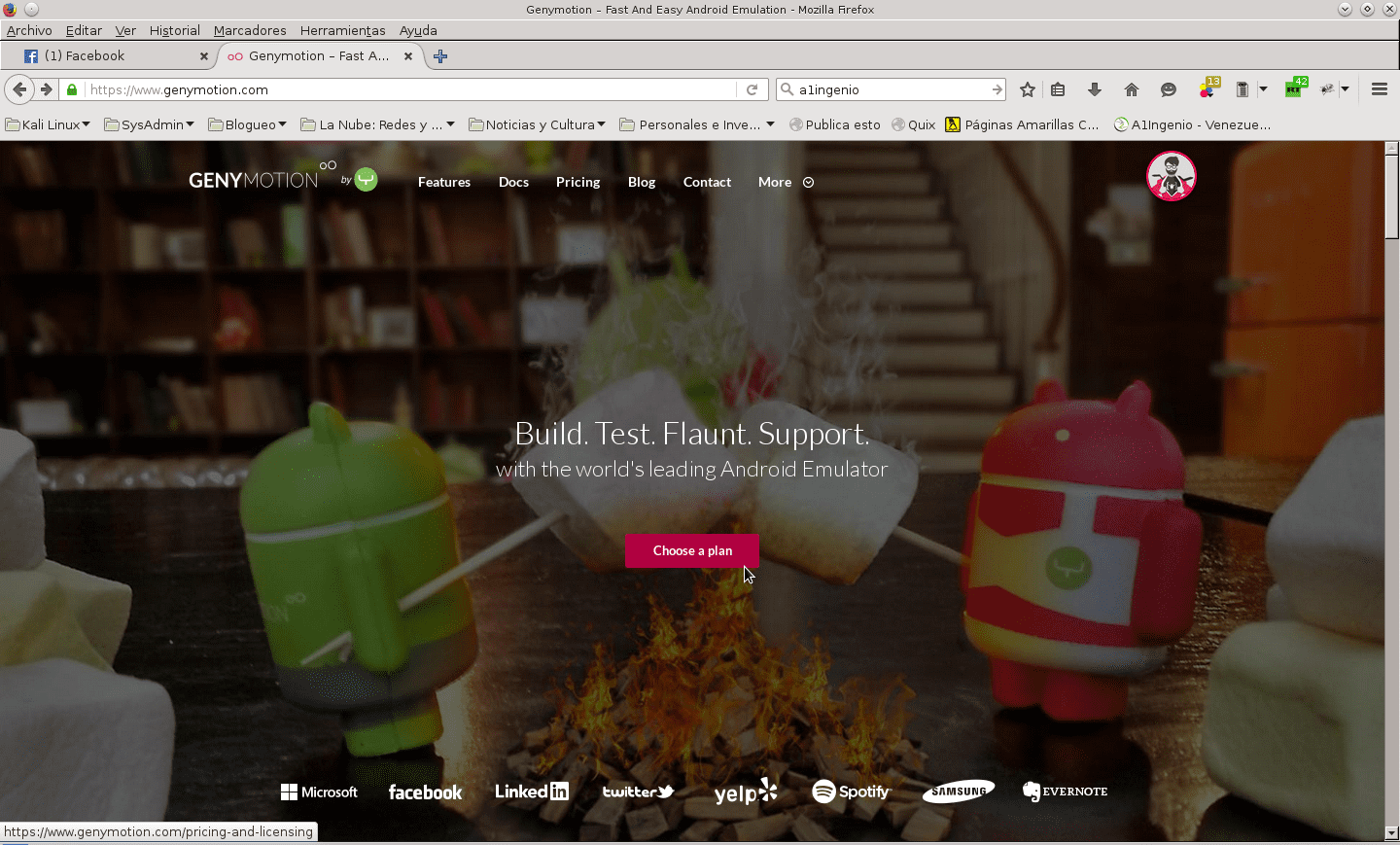
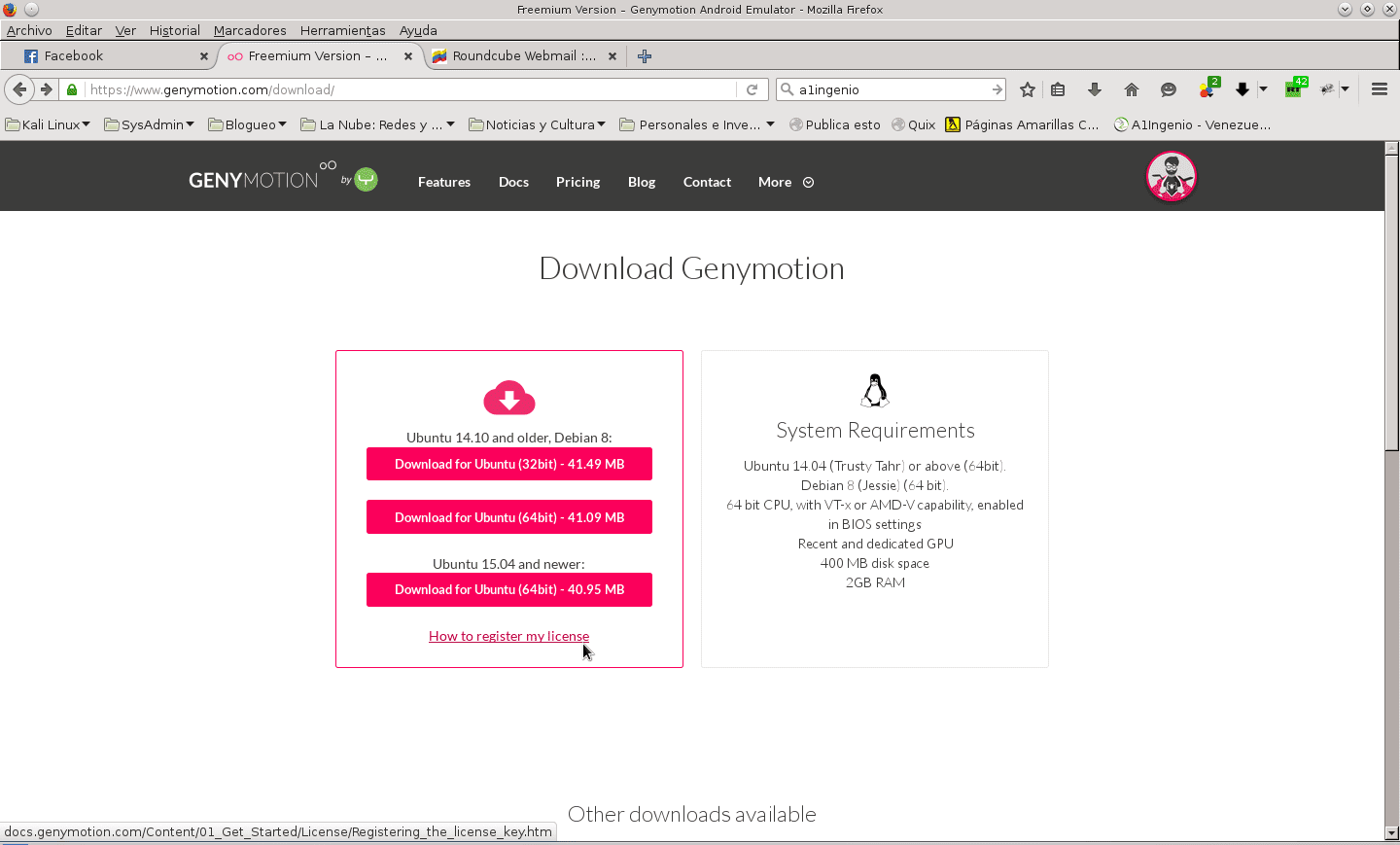
Assuming we already have installed VirtualBox in our GNU / Linux Operating System, preferably in its latest version and with its extension pack installed, we proceed to download it from your official website (Genymotion), registering and clicking the button “Choose a Plan”, in the next window in the section "Individual" In the area "Basic" click the button «Get Started ».
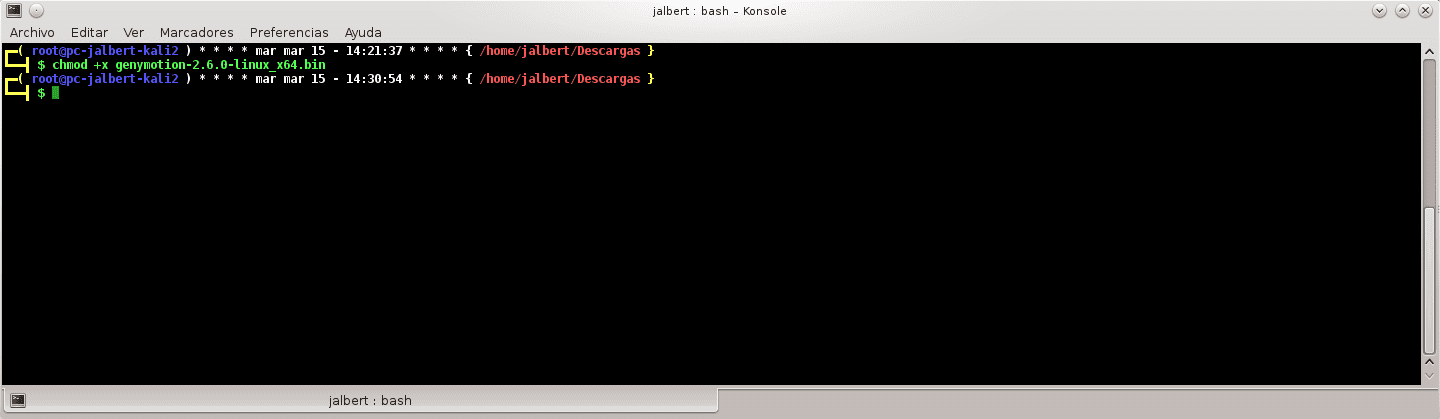
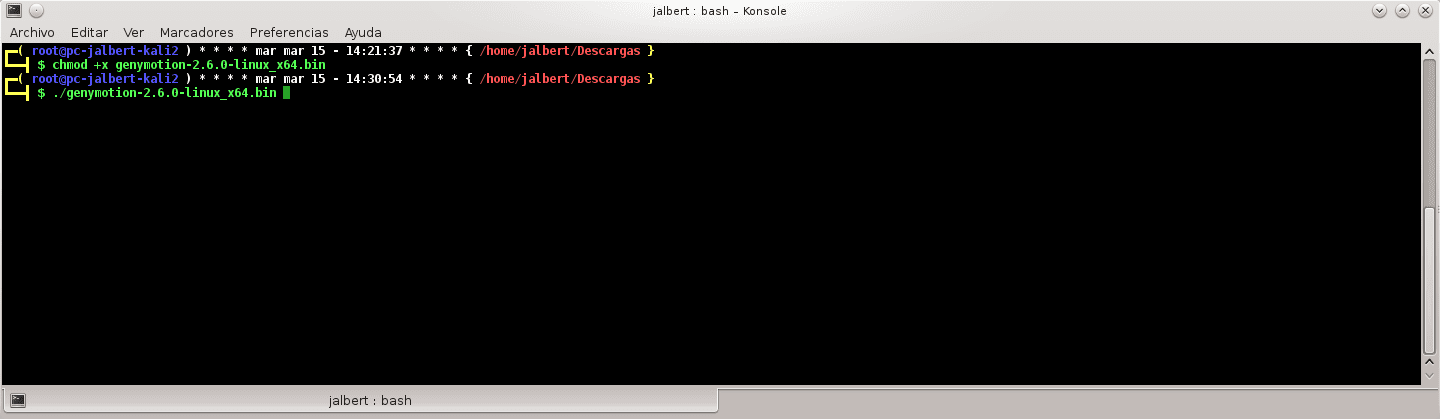
In the next window called "Download Genymotion" choose the package version for Ubuntu 14.04 / DEBIAN 8 (32 or 64 Bit), or for Ubuntu 15.04. Once downloaded, install Genymotion in the directory you want. Using the command command below, in case you have downloaded the 64 bit version to Ubuntu 14.04 / DEBIAN 8:
bash genymotion-2.6.0-linux_x64.bin
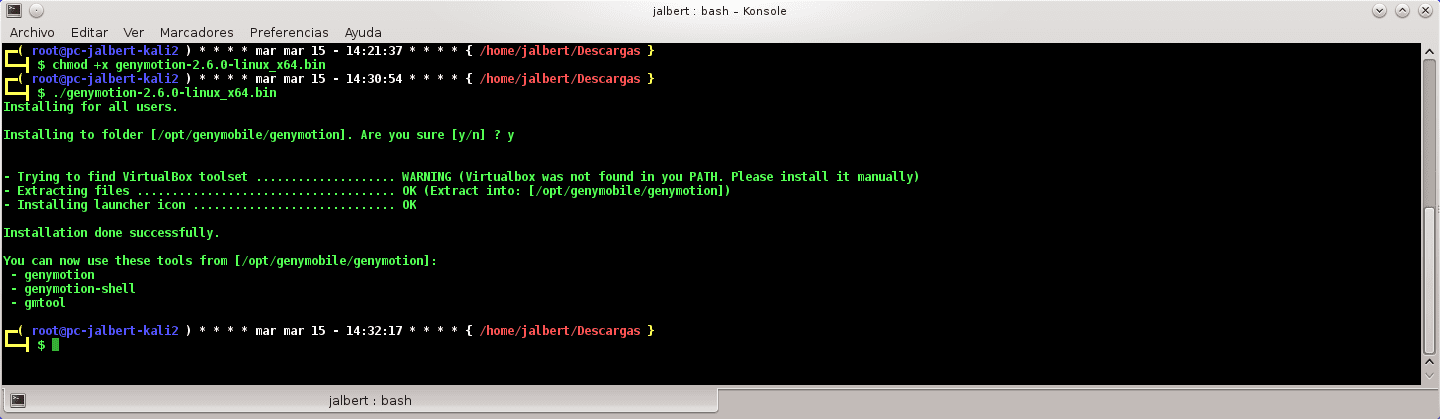
It will ask you the following:
Installing for all users.
Installing to folder [/ opt / genymobile / genymotion]. Are you sure [y / n]?
Press affirmatively with the key "and" and then the key "ENTER"
If everything goes well, it will throw the following messages:
- Trying to find VirtualBox toolset …… .. OK (Valid version of VirtualBox found: 5.0.16r105871)
- Extracting files ………………………… .. OK (Extracting into: [/ opt / genymobile / genymotion])
- Installing launcher icon ………………… OK
Installation done successfully.
You can now use these tools from [/ opt / genymobile / genymotion]:
- genymotion
- genymotion-shell
- gmtool
You can now run the Genymotion app from the Applications menu, programming section.
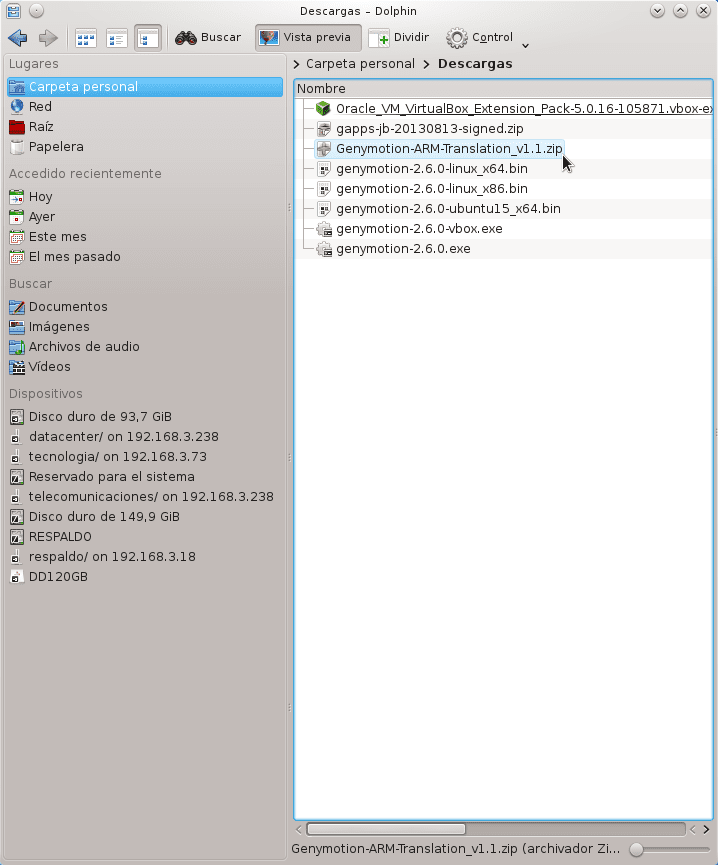
After executing and creating your first MV with the Device and Android selected, I personally recommend you to search and download the following packages to be installed first on your System to start working your Android Emulator effectively:
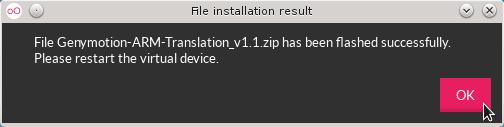
a) Genymotion-ARM-Translation_v1.1.zip
b) The package corresponding to the Google Play Store or any meta-package of Google applications for the Android Version available. Example: google-play-5-12-9-en-android.apk ó pa_gapps-modular-pico-5.1-20150315-signed.zip
After this you can install everything you want or configure your device as required.
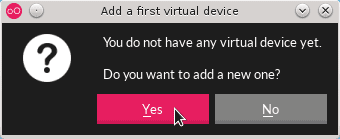
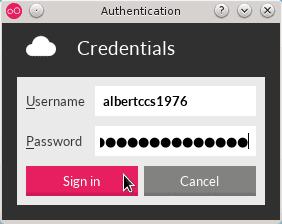
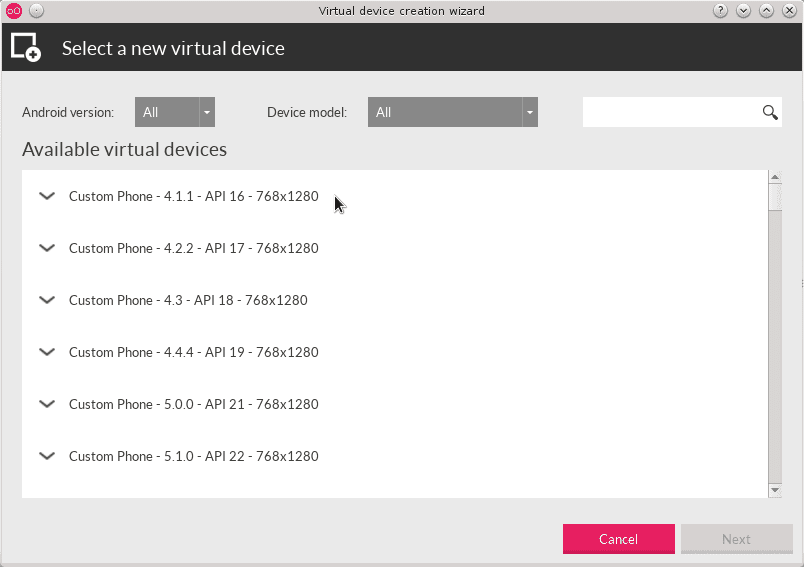
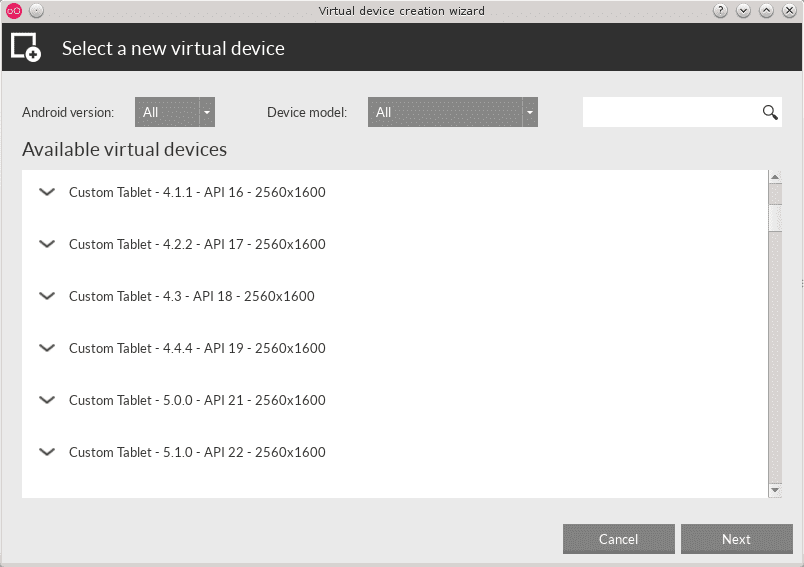
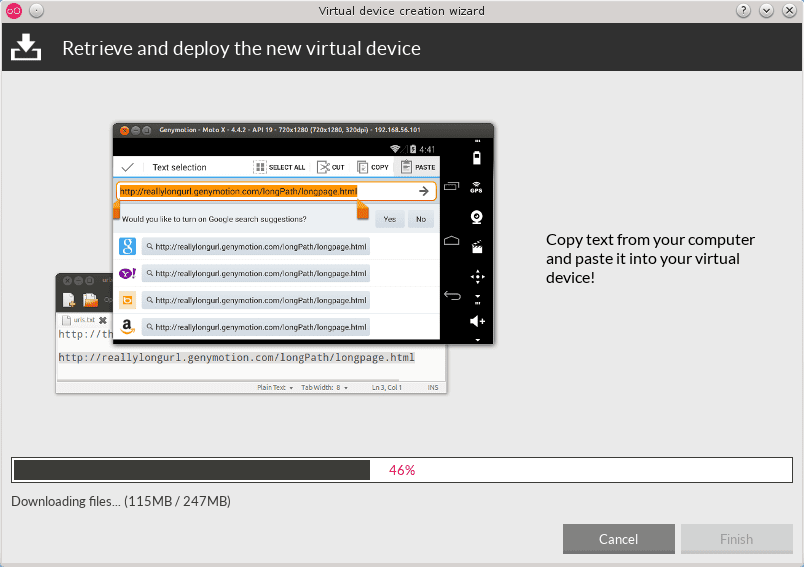
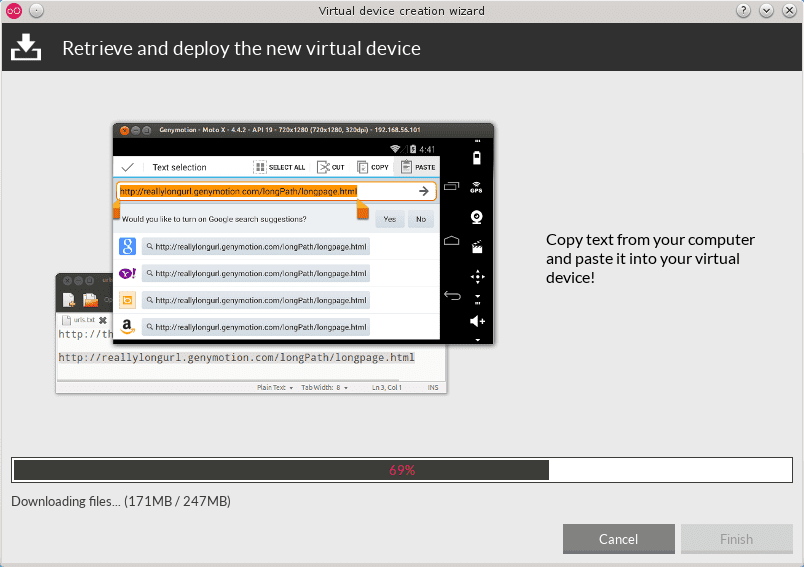
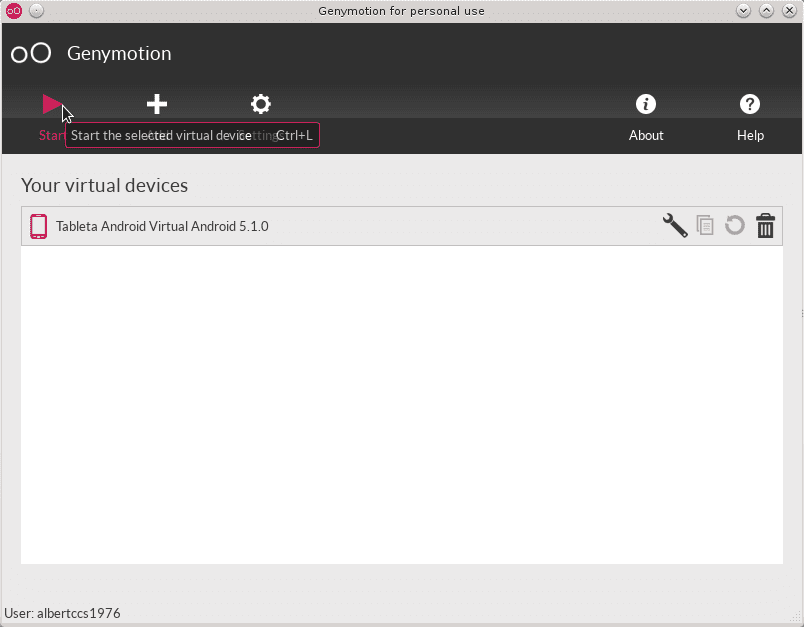
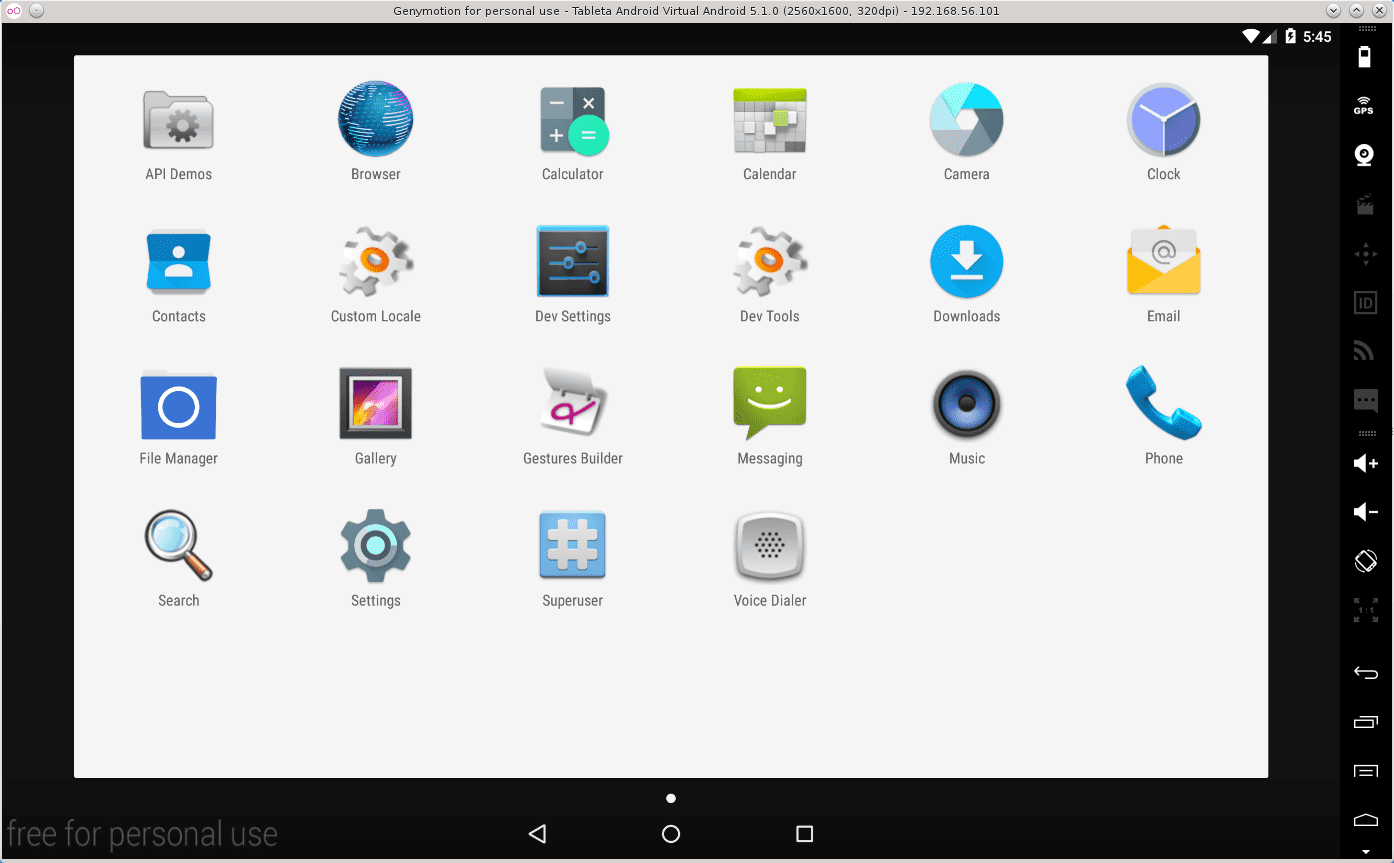
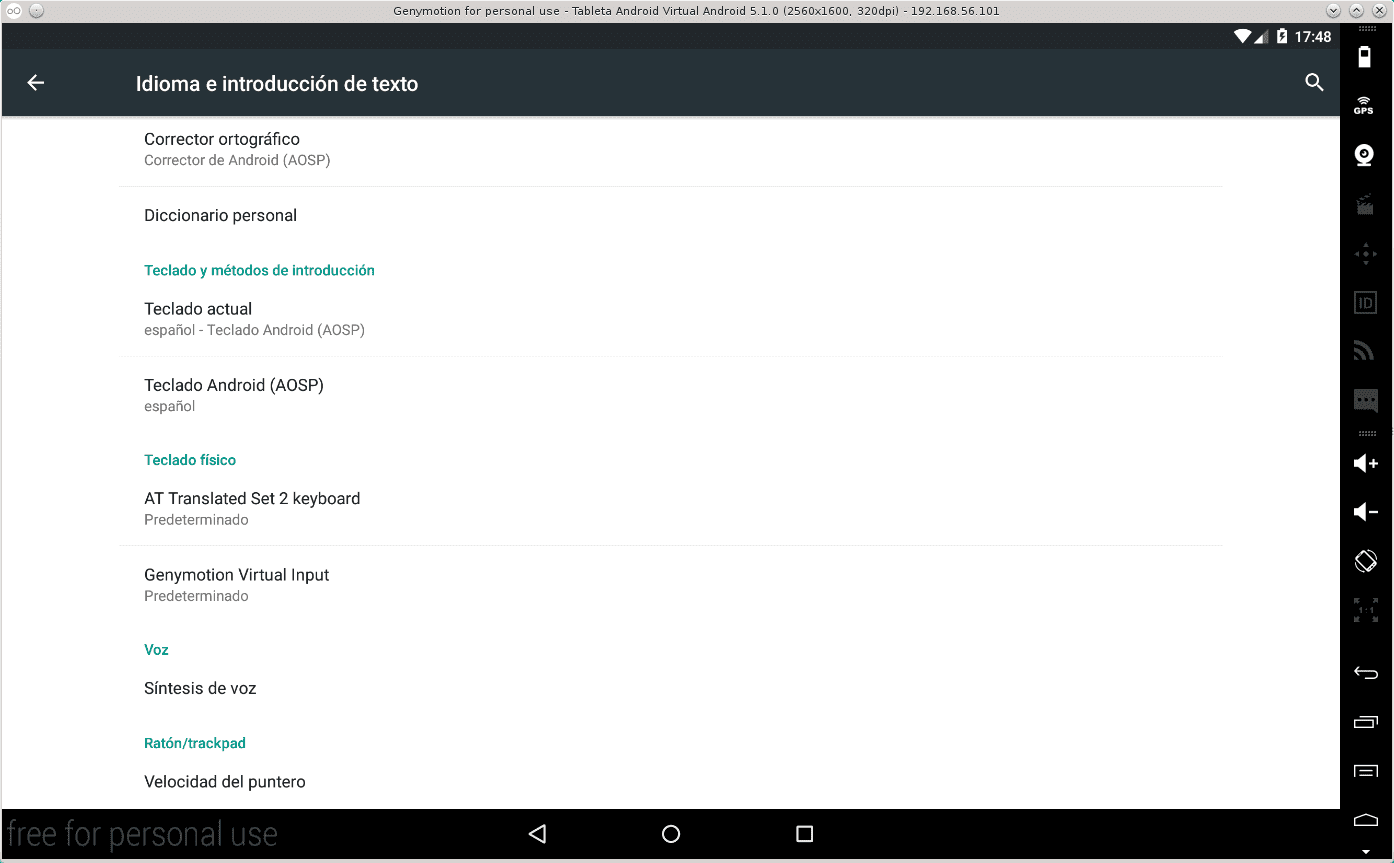
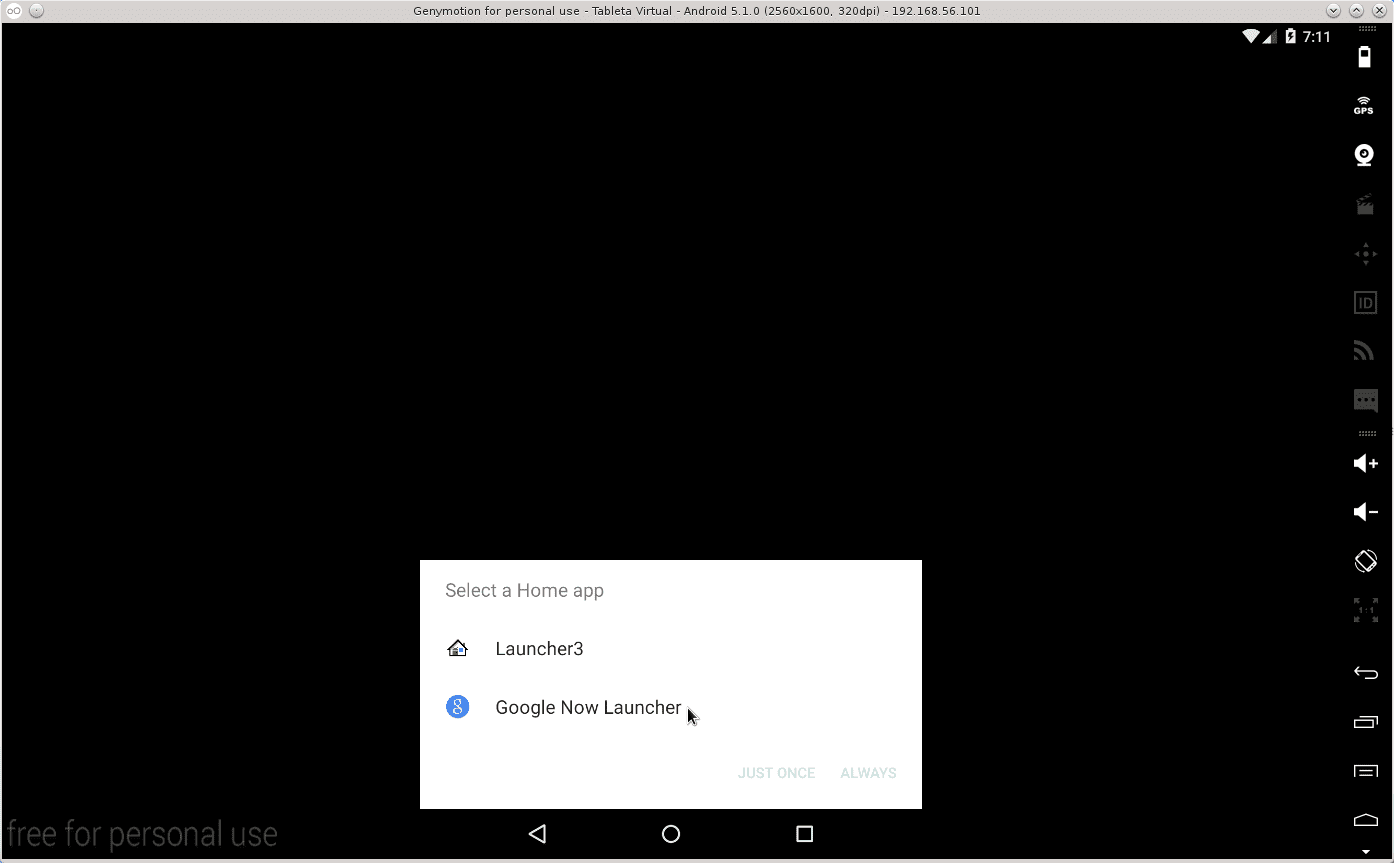
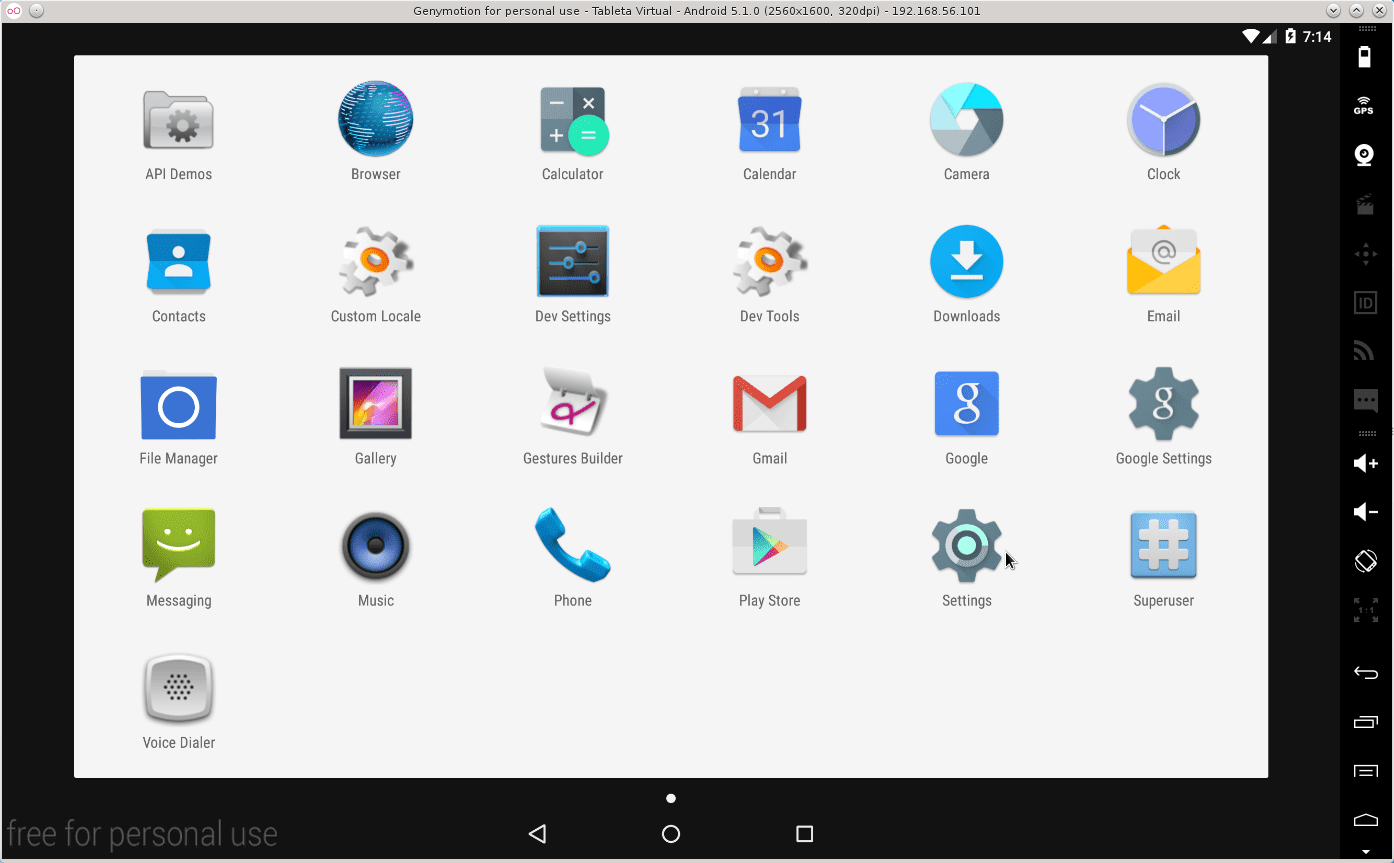
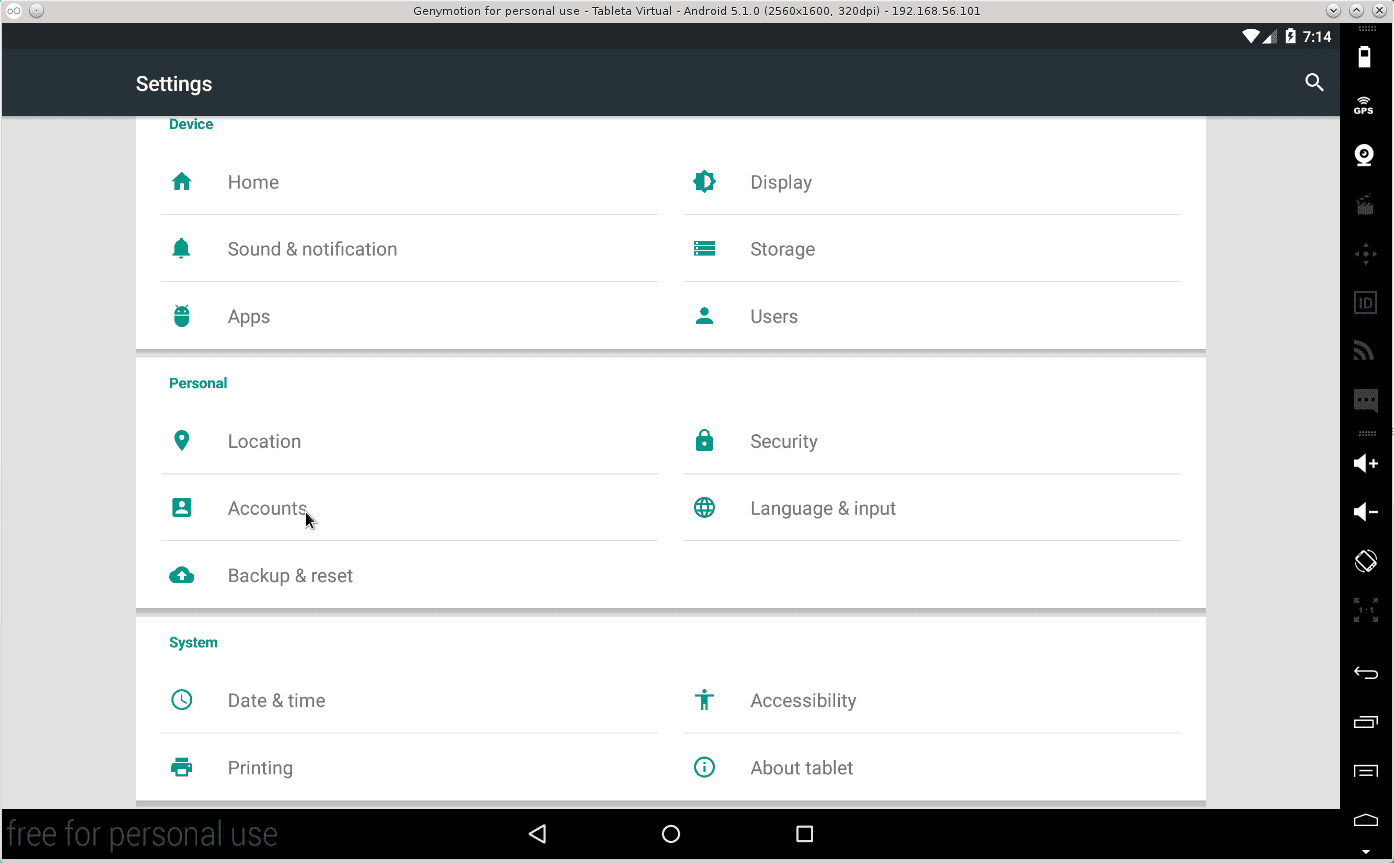
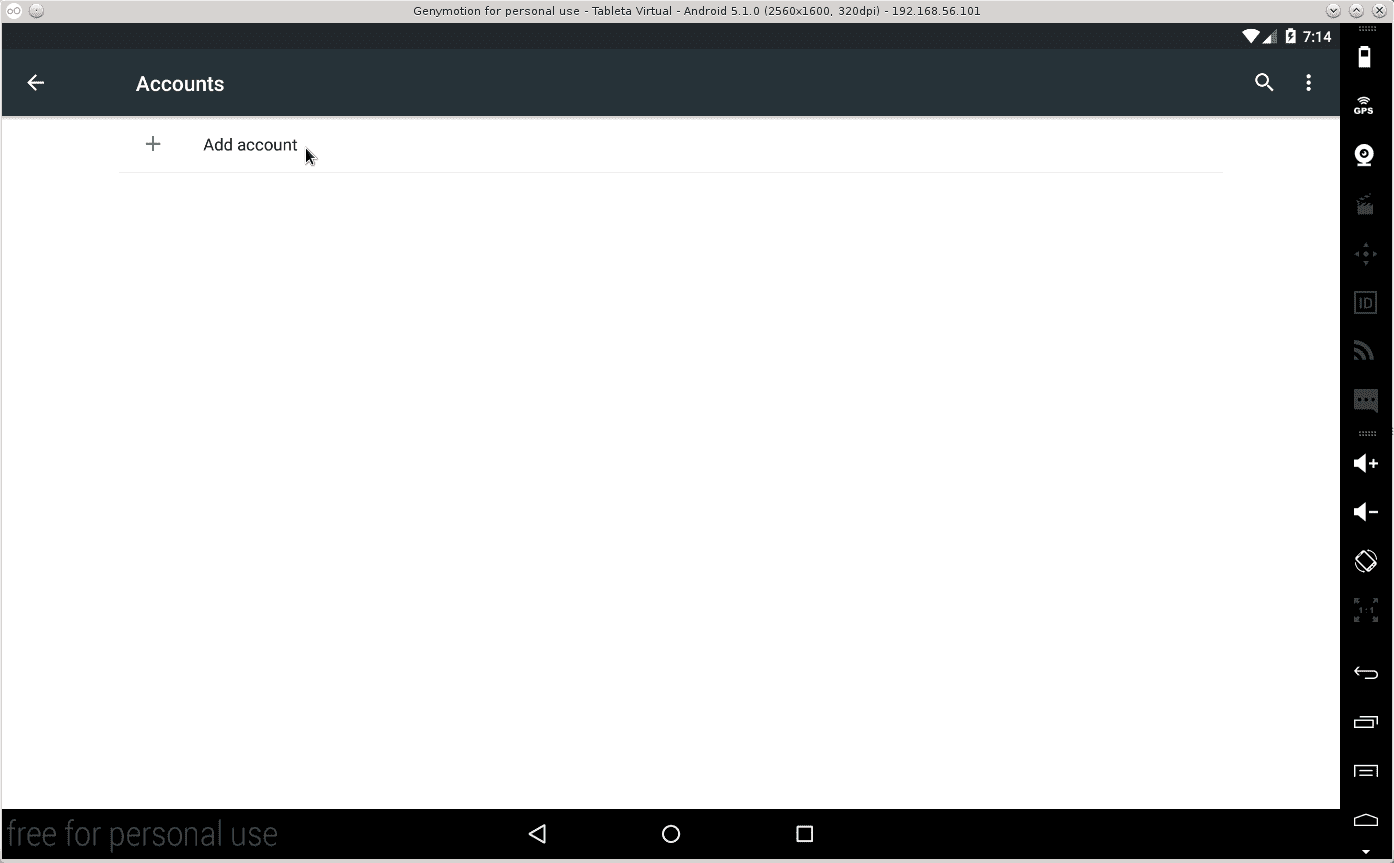
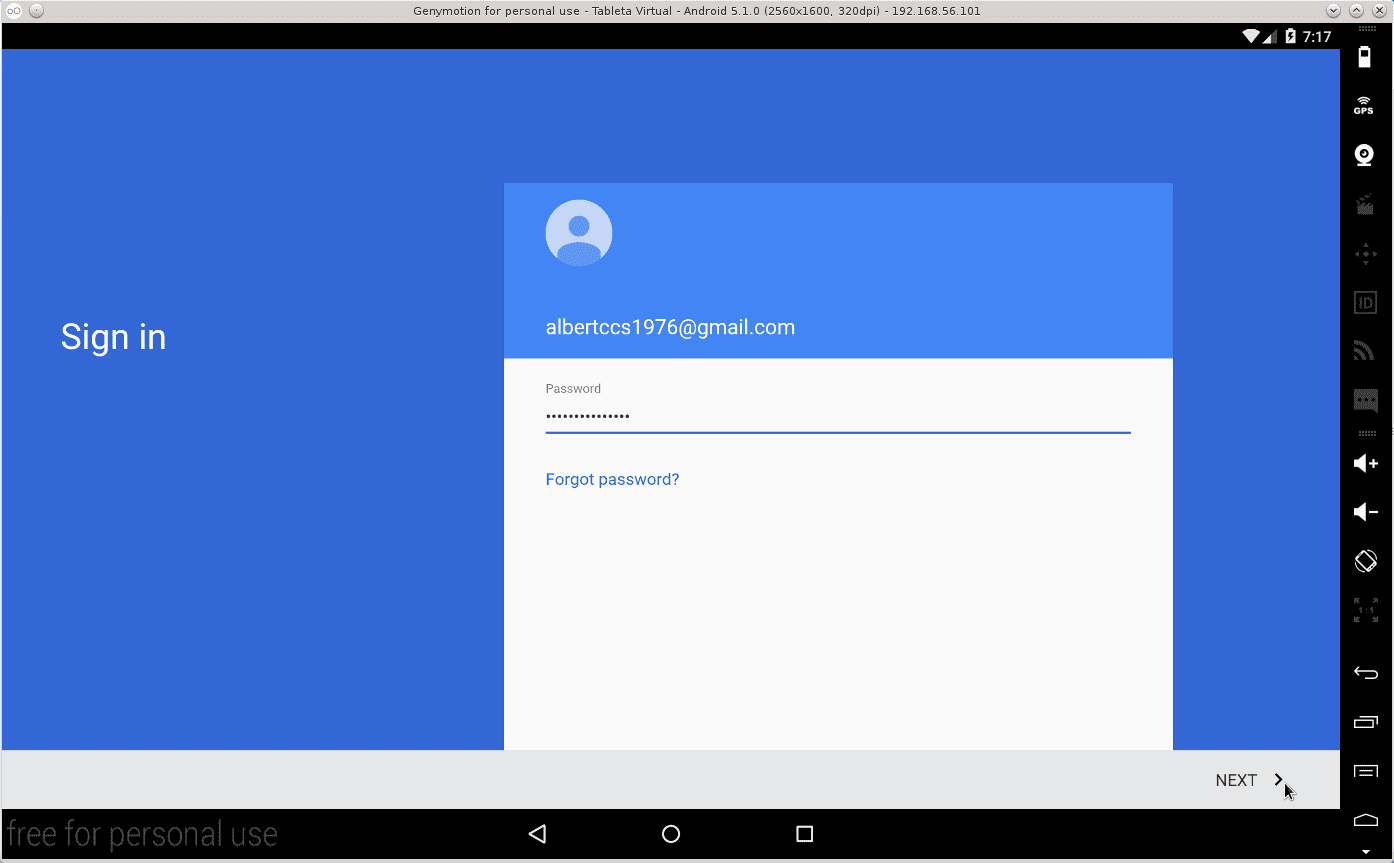
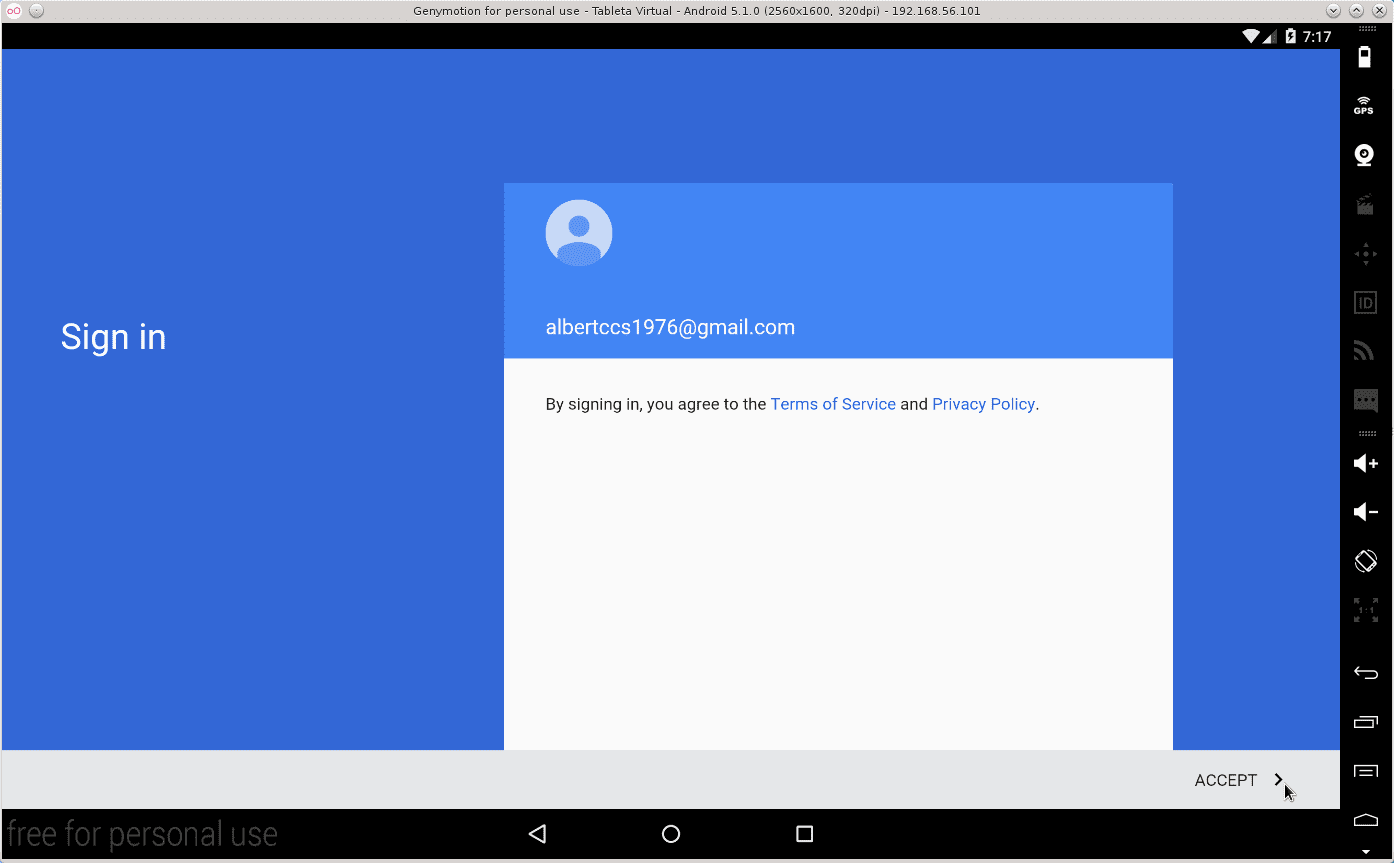
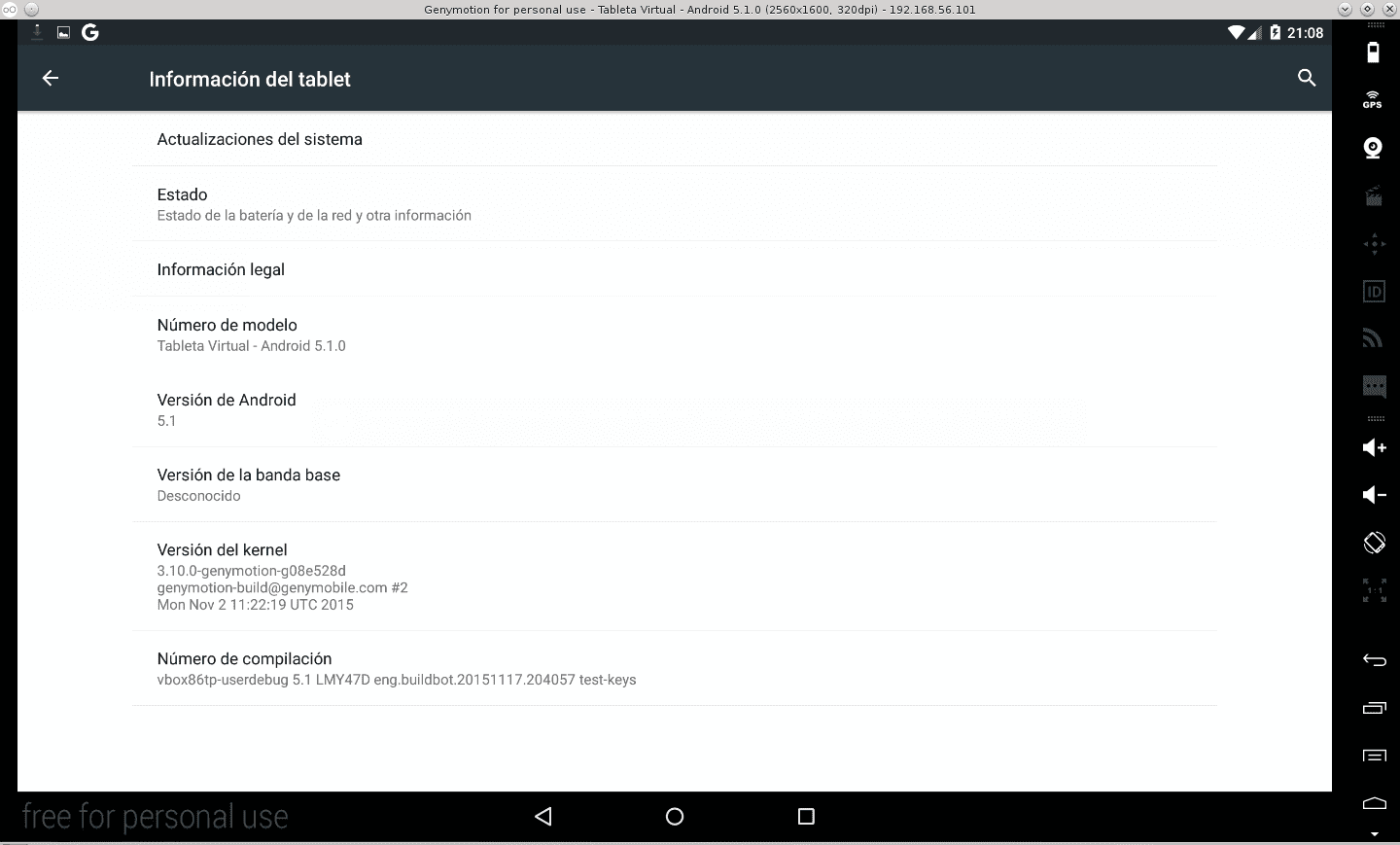
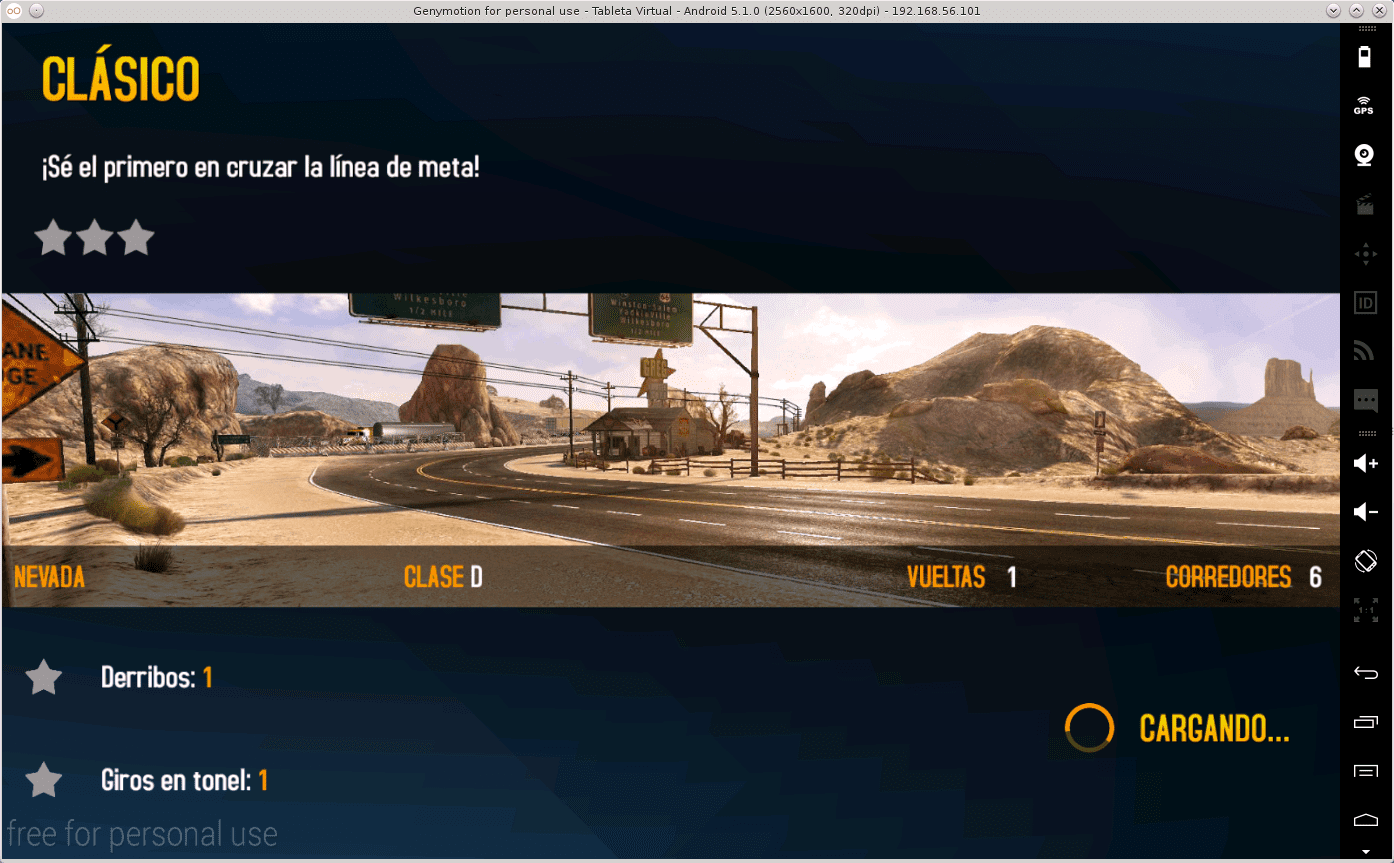
Here are some images to show you the power of Genymotion:





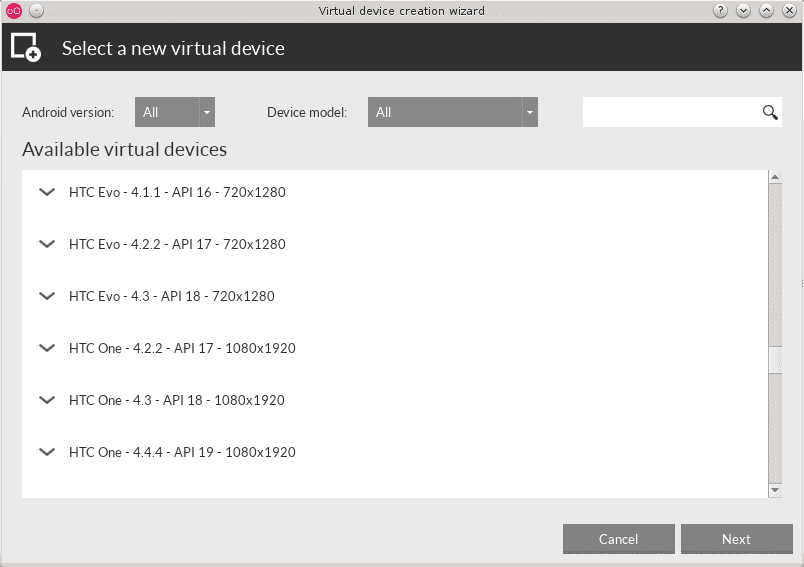
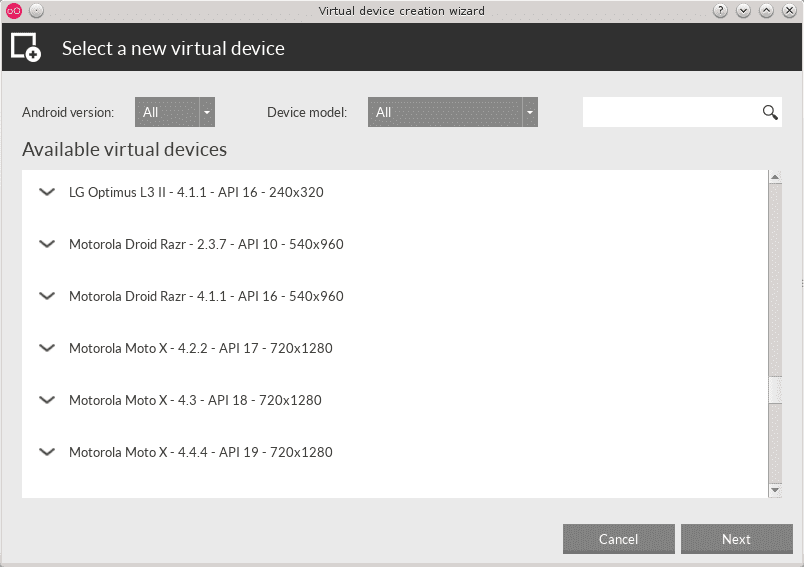
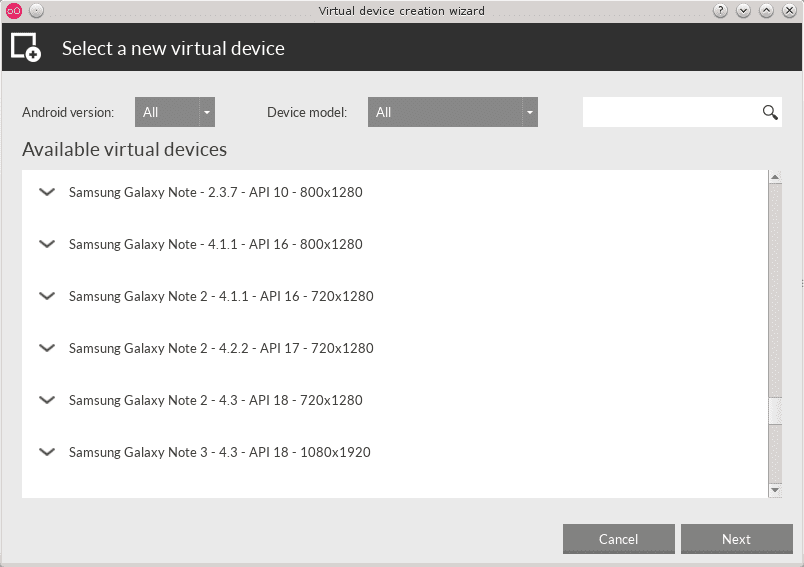
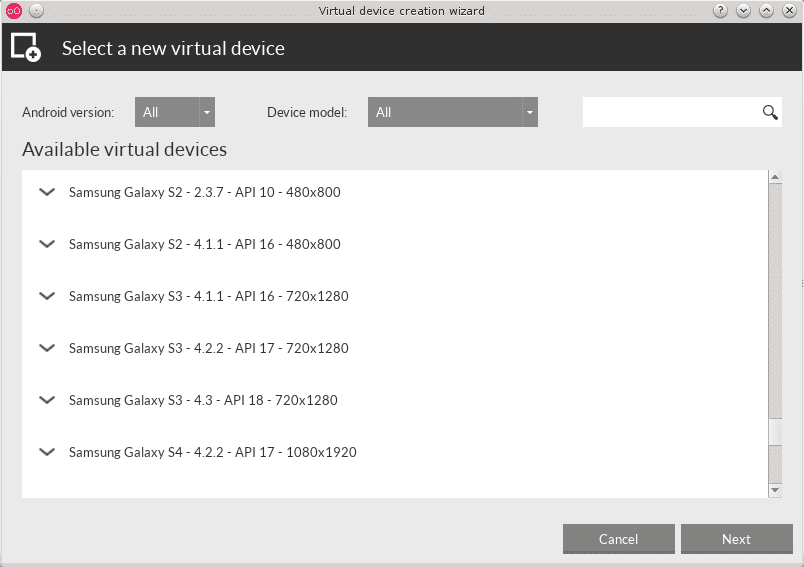

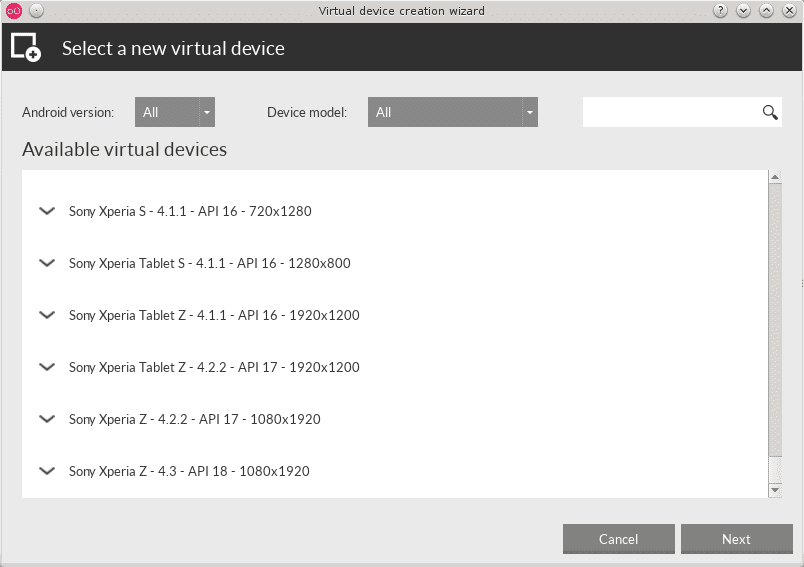
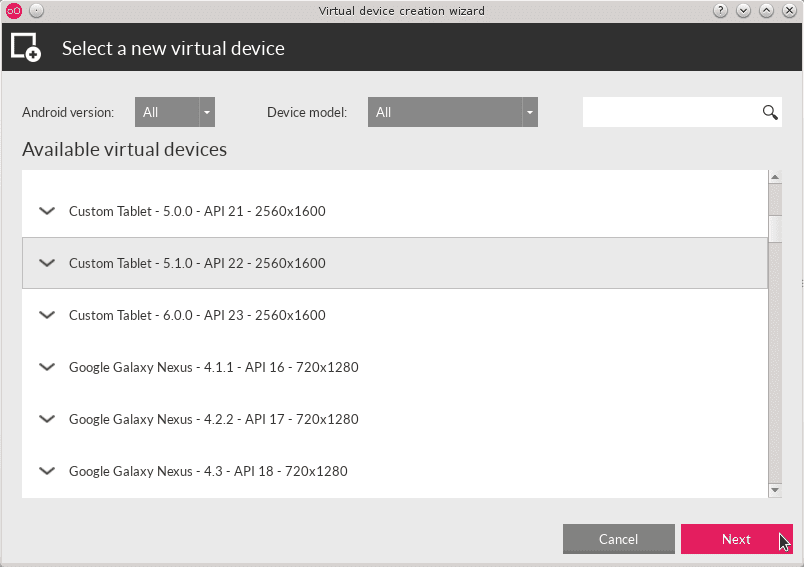

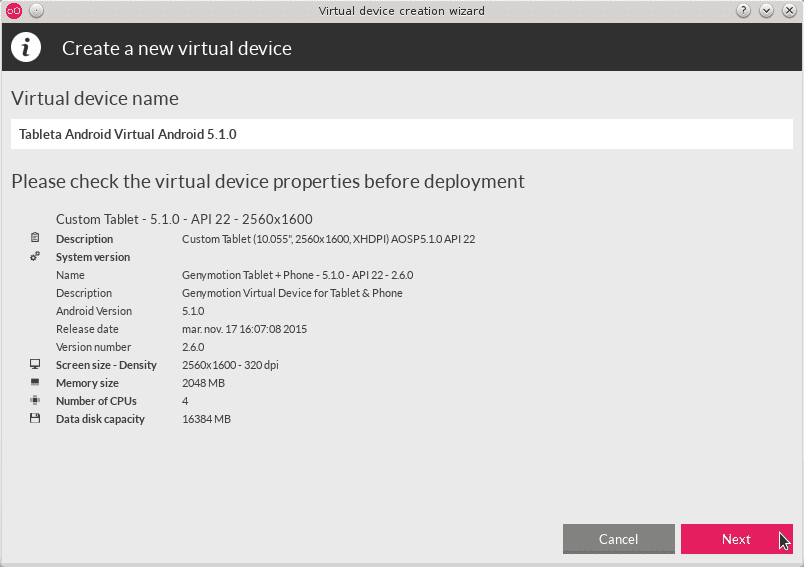
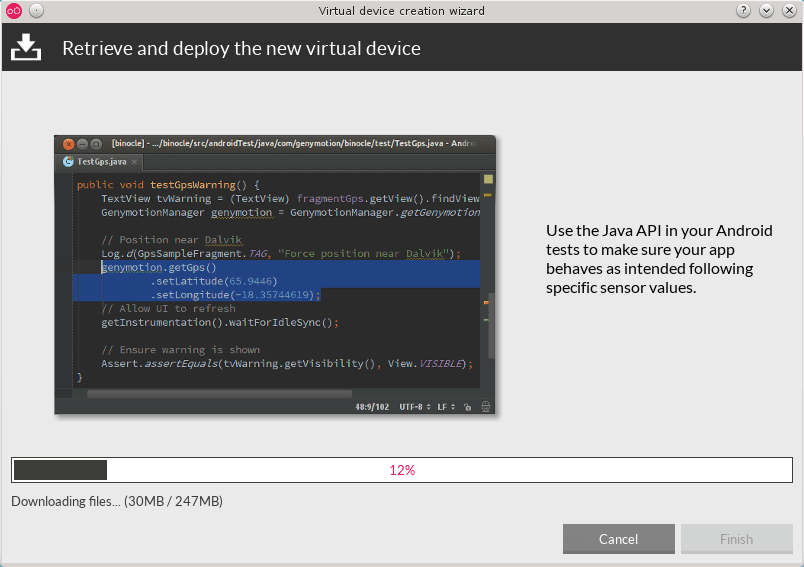








Do you use KDE4 in the images?
Yes. I was using KDE 4 in DEBIAN 8 until yesterday, I already installed KDE 5 in DEBIAN 9.
Very interesting, to test android games on linux like 888poker. Saved in my pocket. Great contribution Ing. Jose Albert, as always
THIS BLOG IS THE NET AND YOU ENGINEER IS THE LAW .YYYYY !!!!!
... that's right, I'm a fanboy, what's the matter
Magnificent application, it remains to be noted at the end that the Genymotion-ARM-Translation_v1.1.zip and Gapp packages (with many different versions so you have to choose the right one for your android device), once you download them:
http://www.techbae.com/download-install-arm-translation-v1-1-zip-genymotion/
http://www.buzzztech.com/2016/03/download-google-apps-for-any-andriod.html
To install each one, open the virtual android device and drag and drop the file, then once installed turn off the virtual device and turn it on again, that once for each file.
In addition, you must have an email account for it to work well.
Even so, I must have done something wrong because I get an error with Google + or something like that, I'll see.
Good complement Guillermo to the publication!
Good application, however, I was frustrated by the (very random) problem that I had to work with the network virtualization through Virtualbox, since it started sometimes (very few), and other times (the vast majority) the virtualization of the phone ...
In the end I opted for virtualization in QEMU offered by the android SDK ...
VARIOUS SOLUTIONS:
Solution to the problem of typing in Spanish:
ñ: SHIFT +,
Ñ: SHIFT +.
Tildes: press the single quote next to the 0 and then the vowel.
and the umlaut with the double quote (shift + 2) and then the u.
Of course, don't forget a couple of things: with all genymotion closed, open VirtualBox and configure the machine created in genymotion (not run from here, but we can configure):
enable bi-directional clipboard: General - Advanced tab - Clipboard sharing: Bi-directional.
Drag and drop: I have put Bidirectional, the files that I drag from linux to the virtual device it puts them in the Download directory (folder), but the other way around I have not succeeded.
Accept and close VirtualBox.
To copy files from the virtual mobile device to linux:
Start the virtual device from Genymotion and install the "The Olive Tree" Ssh Server application, start it up and look at the IP and port that it operates, I think it is always (in my case) IP 10.0.3.15 and port 2222, the user it is ssh and the password is also ssh.
In VirtualBox - Configure, in the Network menu, Adapter 2 tab, click on Advanced, click on the Port Forwarding button, add the rule with the green + icon: Rule 1, TCP Protocol, Host IP 127.0.0.1, Host Port 2222, Guest IP 10.0.3.15, Guest Port 2222.
Accept and close VirtualBox.
Start GenyMotion and the virtual device, now from the terminal in linux you can copy any file or directory with the command:
scp -P 2222 -C -r ssh@127.0.0.1: / storage / emulated / 0 / ORIGIN PATH / DESTINATION FILE
or the other way around:
scp -P 2222 -C -r ORIGIN PATH / ORIGIN ssh@127.0.0.1: / storage / emulated / 0 / DESTINATION ROUTE
for example:
scp -P 2222 -C -r ssh@127.0.0.1: /storage/emulated/0/Download/el_file.txt.
Now, yes. Next task: definitively learn Esperanto, let's see if the Duolingo course for Spaniards is out, expected in June / July.
Other missing symbols:
To get ; click on
To get: tap>
To get ¿click on +
To get ? click on _
To obtain (click on *
To obtain) click on (
To get - click /
To get = click on)
To get / click &
To get _ click on?
It's that I can't run genymotion from the console, it sends me this:
./genymotion: /usr/lib/x86_64-linux-gnu/libstdc++.so.6: version
CXXABI_1.3.8' not found (required by /opt/genymobile/genymotion/libQt5Core.so.5)GLIBCXX_3.4.20 ′ not found (required by /opt/genymobile/genymotion/libQt5WebKit.so.5)./genymotion: /usr/lib/x86_64-linux-gnu/libstdc++.so.6: version
./genymotion: /usr/lib/x86_64-linux-gnu/libstdc++.so.6: version
CXXABI_1.3.8' not found (required by /opt/genymobile/genymotion/libicui18n.so.52)CXXABI_1.3.8 ′ not found (required by /opt/genymobile/genymotion/libicuuc.so.52)./genymotion: /usr/lib/x86_64-linux-gnu/libstdc++.so.6: version
./genymotion: /usr/lib/x86_64-linux-gnu/libstdc++.so.6: version `GLIBCXX_3.4.20 ′ not found (required by /opt/genymobile/genymotion/libQt5Qml.so.5)
Job 1, './genymotion&' has ended
I have downloaded the version for Ubuntu 15.04, because I have not found a previous one, however, I have elementaryb os freya 0.3.2 based on Ubuntu 14.04, is that it?
I think your libstdc ++. So library is not as current as required. Update your repositories or version of Elementary.
Look at this entry:
https://forum.synology.com/enu/viewtopic.php?t=105573
I did not read it all, perhaps it has already been answered. How do you solve the issue of touch screens?
In Linux Mint 18 I have installed Genymotion 2.8.1 64 bits. Everything went well. I can add a device, getting to test up to 3 different ones, but at the time of "turning on" the device, whatever it is, the system hangs with the android "welcome screen" and nothing works (although I can move the pointer mouse over the screen) and the computer must be reset. Any hints what can go wrong? Thank you.
I already installed the genymotion-2.8.1_x64.bin package but not when I try to execute it, it does not start the program, enter the / opt / genymobile / genymotion folder and I executed the genymotion file but I get this error /lib64/libX11.so.6 : undefined symbol: xcb_poll_for_reply64. I use fedora 25. I would appreciate your help.
Well, I was able to install genymotion very well, but when I open it, it does absolutely nothing, for what reason may it not respond?
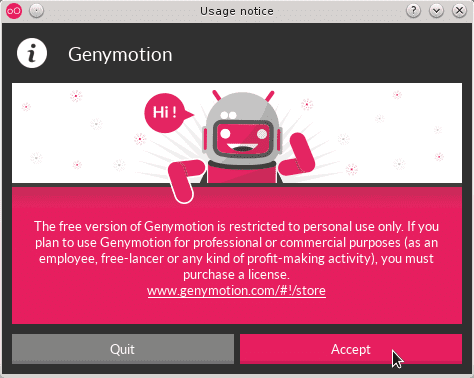
when starting it asks me for the license where can I find one?
I do not remember and as it appears in the article, application for possession or approval of licensing! Maybe it will be better to do a modernized article on the application to see what is new with it on Linux and if it currently asks for licensing!