

Turn your GNU / Linux into a Distro suitable for Software Development
Currently, Linux is the king of operating systems used by IT specialists , whether on servers or on the computers of server administrators. At the software developer level, it reached the same level this year, moving from 3rd place with 21,7% as the favorite of developers in the Stack Overflow Developer Survey 2016 to 1st place with 48,3% in the Stack Overflow Developer Survey 2018.
Currently, the GNU/Linux application ecosystem has a wide and excellent list of programs for Software Development (Applications and Systems) that, when properly installed, configured, and implemented within a GNU/Linux distribution, can cover a broad spectrum of programming language possibilities.

Introduction
The list of GNU/Linux applications we'll explore later includes some of the most well-known and widely used software development applications for this operating system. They are frequently updated and receive excellent support.
And every so often new applications are released or new existing applications are incorporated into the Microsoft or Apple world , raising the level of quality of applications that can be developed under GNU/Linux.
A few years ago, we published articles on this topic that are worth revisiting, such as " Preparing Ubuntu (or another distro) for web development " and "My Tools for Web Development and Design with GNU/Linux ." But today we'll take a broader look at those articles and the distros already optimized for software development.
Software development applications have evolved significantly in quality and performance on GNU/Linux, thus providing the necessary support (base) for a novice or expert software developer to work optimally on this operating system and adopt it as their main working operating system.

Software Development on GNU / Linux: Editors, IDEs and Distros
Here's what the GNU/Linux world currently offers in the area of Software Development:
Editors
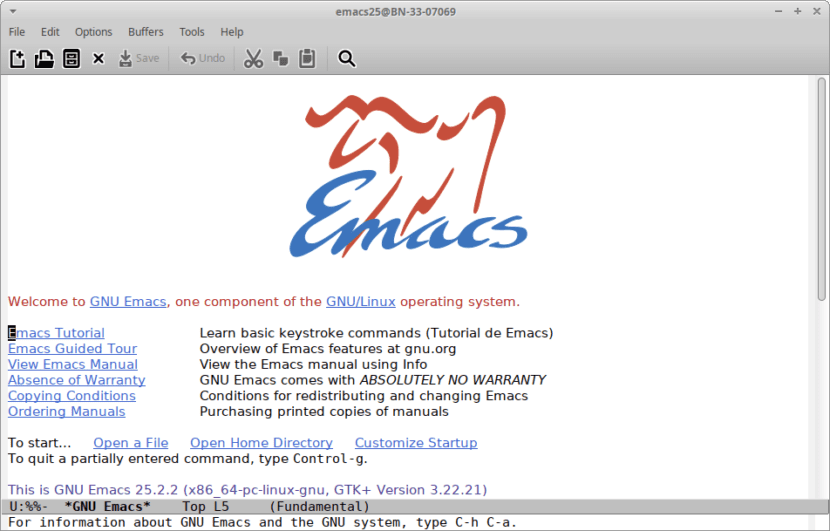
A text editor is a program that allows you to create and modify digital files composed solely of plain text, commonly known as text files or plain text. However, some text editors are advanced and allow or facilitate the identification of the programming language used within the text, making it easier to understand and use within the file. Some are terminal-based, meaning they don't have a graphical interface, while others are desktop-based, meaning they do.
Among the best known and used on GNU / Linux we have:
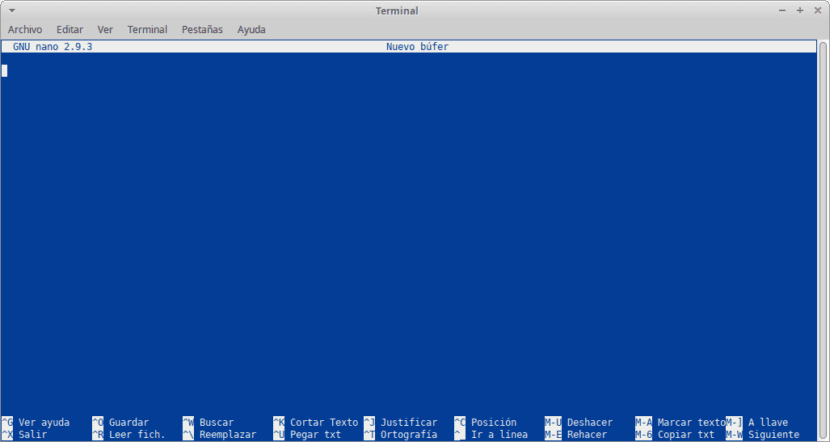
Terminal Editors
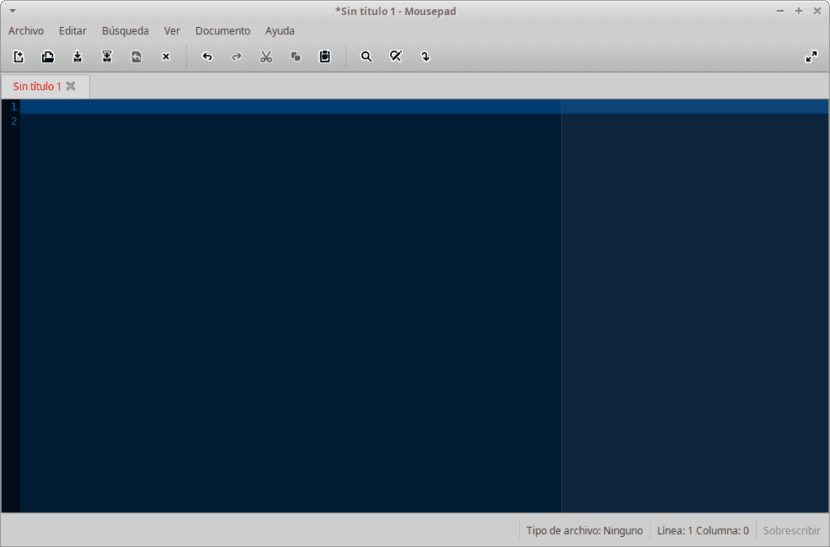
Simple Editors with Graphical Interface
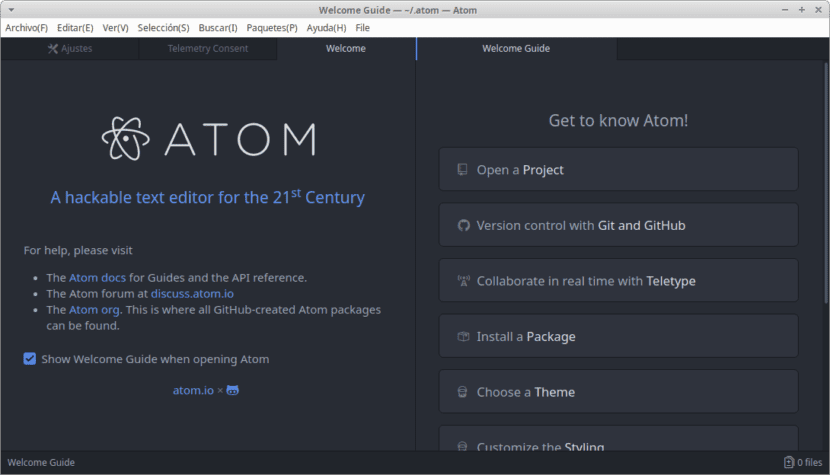
Advanced Editors with Graphical Interface
- Atom
- Bluefish
- BlueGriffon
- brackets
- geany
- Glade
- Google Web Designer
- Compozer
- Light table
- notepadqq
- scribes
- Sublime Text
Mixed Editors
Integrated Programming Environments
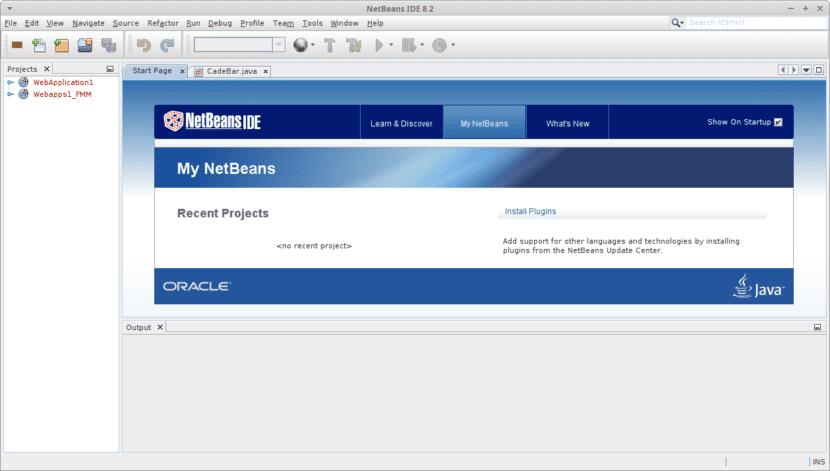
An Integrated Programming Environment, commonly known by the acronym IDE (Integrated Development Environment), is simply a program or application that typically includes a code editor, a compiler, a debugger, and a graphical user interface builder. IDEs can be standalone applications or part of existing applications.
Among the best known and used on GNU / Linux we have:
- aptana
- Arduino IDE
- Code Blocks
- codelite
- Eclipse
- Shrimps
- JetBrains Suite
- Lazarus
- NetBeans
- Ninja IDE
- python idle
- Postman
- QTCreator
- Simply Fortran
- Visual Studio Code
- Wing Python IDE
Software Development Kit
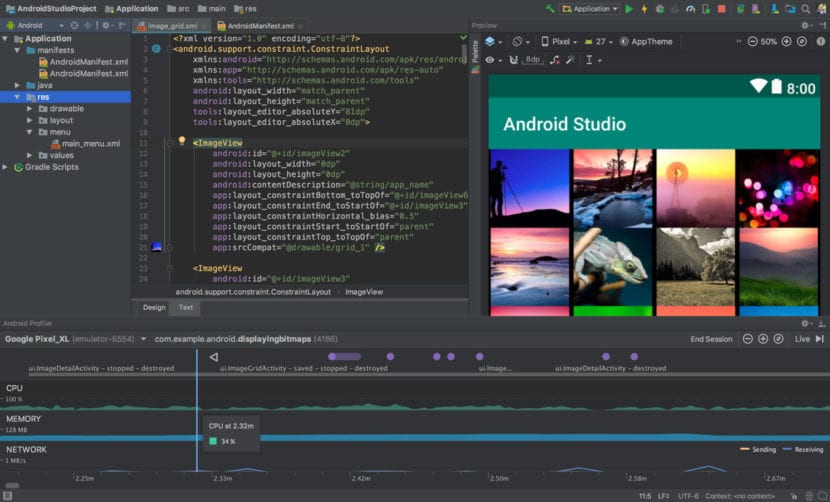
A Software Development Kit, mostly known by the acronym SDK from the English name "Software Development Kit", is nothing more than a set of tools that help the Software Developer to design applications and systems, allowing and facilitating the work for a particular technological environment.
Applications developed within an SDK will be designed for a specific operating system, hardware platform, video game console, or software package. An SDK can contain many resources, including:
- An application programming interface (API).
- An integrated development environment (SDI) with a Debugger and a Compiler.
- Códigos example and documentation.
- Un Emulator of the required technological environment.
Among the best known and used on GNU / Linux we have:

Version Control Systems
A version control system (or revision control system) is a combination of technologies and practices for tracking and controlling changes made to project files , particularly source code, documentation, and web pages.
All version control systems rely on a repository, which is the collection of information managed by the system. This repository contains the version history of all managed elements. Each user can create a local copy by duplicating the repository's contents for their use. It's possible to duplicate the latest version or any version stored in the history.
Among the best known and used on GNU / Linux we have:
Note: Of all of them, Git is a favorite due to its huge community, extensive development, and wide range of plugins and graphical clients. If you want to learn more about Git's graphical clients, visit this link on its official website: Graphical Clients for Git on Linux.
Distros (GNU / Linux Distribution)
A free operating system built on a Linux kernel and a suite of GNU applications that provide enhancements for easy installation through configuration tools and package management systems for installing additional software. The choice of distribution depends on the user's needs and personal preferences.
At the Software Developer level, we find the following recommended:
Normal
Specialized
The release of version 1.1 of the MinerOS GNU/Linux distribution is expected in the near future. Unlike version 1.0, which is specifically designed for home, office, digital mining, and IT technicians, this version will be geared towards software developers, gamers, and multimedia content creators. To learn more about the upcoming development of this distribution, you can click on its name: MinerOS GNU/Linux 1.1 (Onix) or on the current MinerOS GNU/Linux 1.0 (Petro).
I hope this post has been very useful , whether you're looking to install various applications on your current distro to make it suitable for software developers or to choose a recommended distro. Until the next post!
Table of Contents