

KahelOS is a derivative of Arch Linux, we could say that it is Arch Linux + Gnome, it is a distro from the Philippine islands and its installation is shorter than Arch Linux, although it is losing the KISS principle
The installation, even being shorter than Arch's, is also in text mode and that may scare new users, but it is not difficult at all (a myth about Arch is that it is difficult, something completely false).
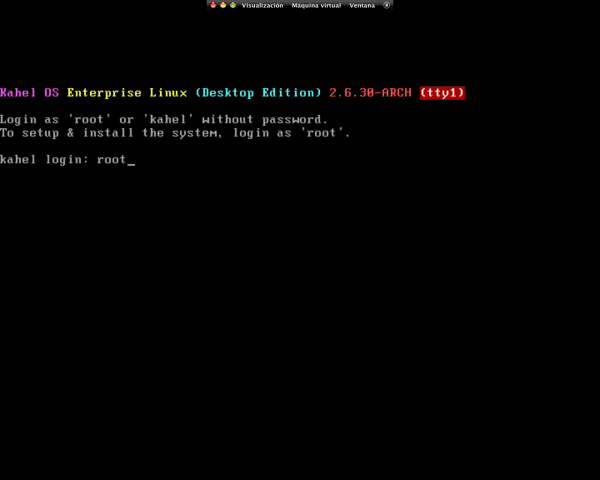
When the disk has loaded we will see that a terminal opens in which we must enter as root.
Then we write km and it will lead us to a window like this
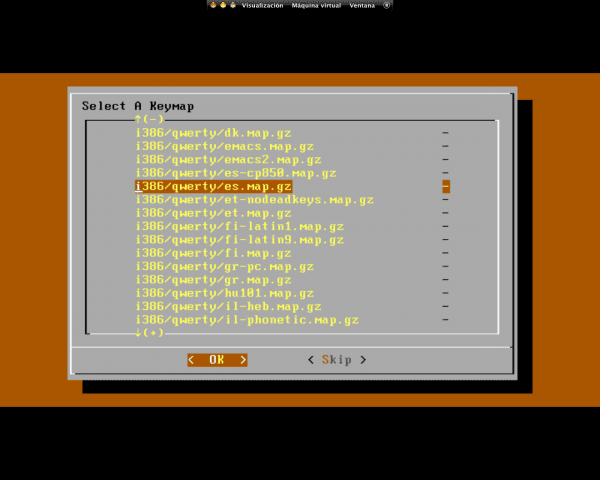
Here we choose our keyboard layout
Note: I screwed up when choosing mine, for the Spanish, you have to choose the one above
Now in this step we are going to skip because it is a fool
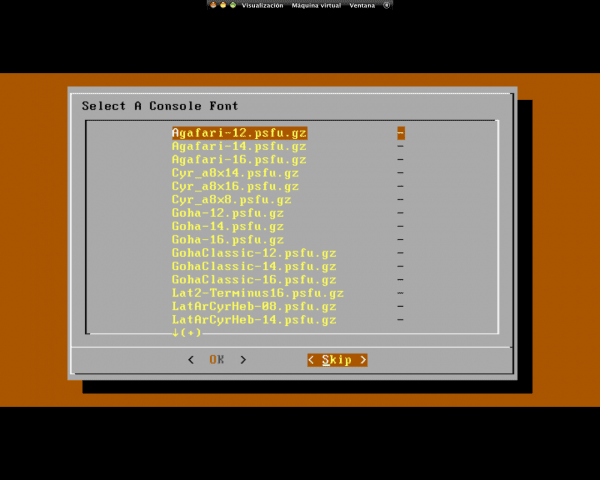
Now in the terminal we write
/kahel/setup
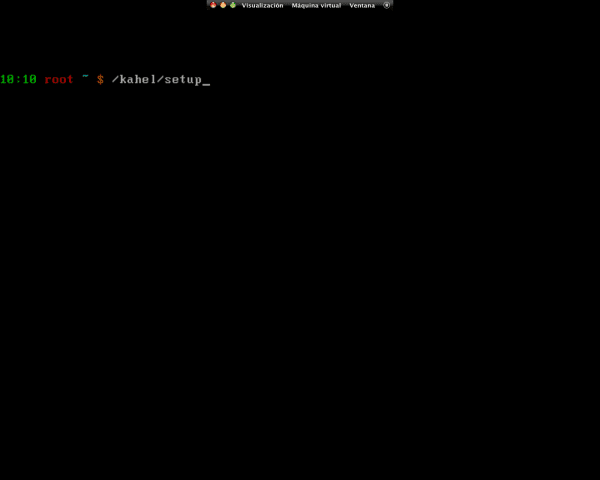
And a window like this will open in which we will configure our system
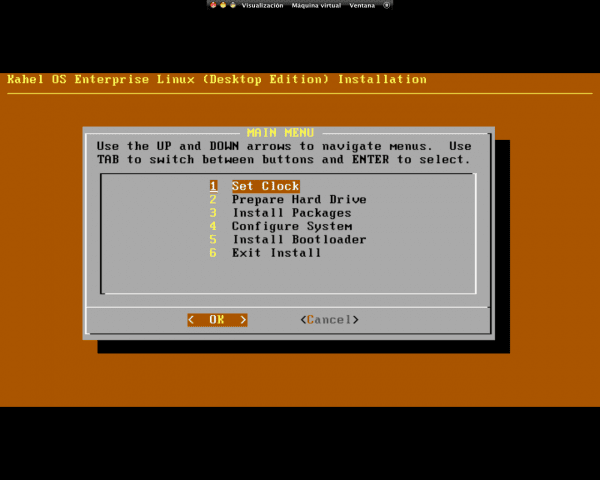
First we synchronize the time
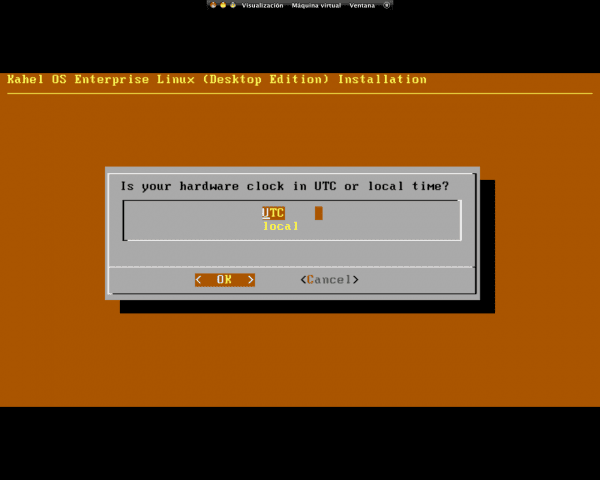
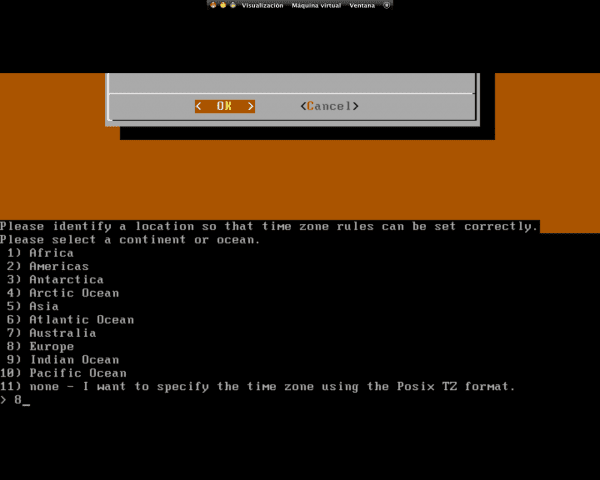
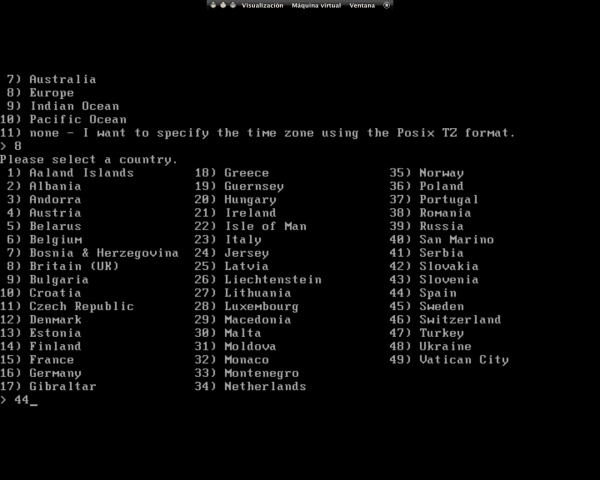
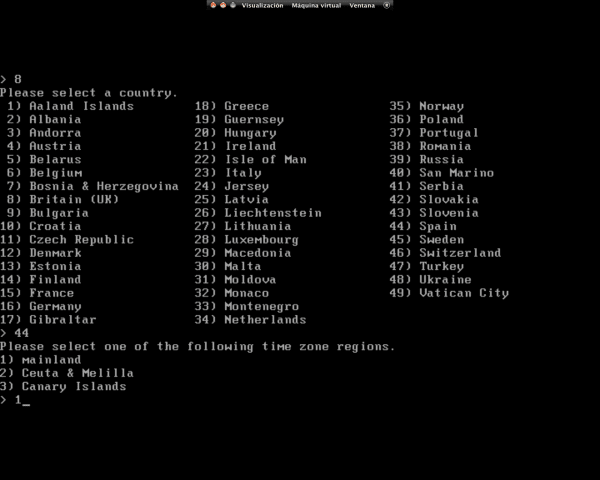
We confirm:

We synchronize the date and confirm the time
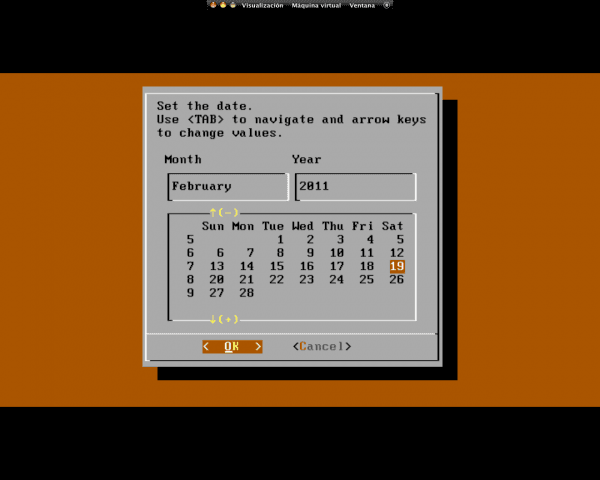
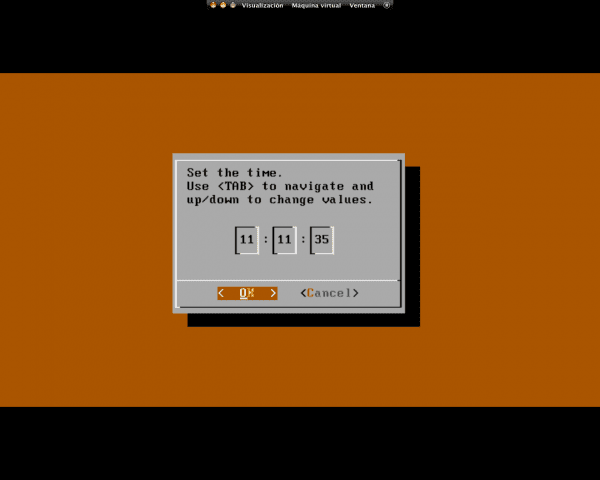
Now we partition the hard disk to our liking or we use the entire disk

We give the size we want to the boot, swap and root partitions
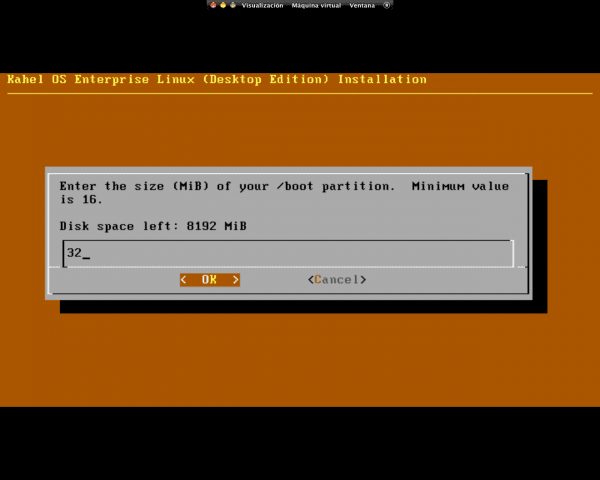
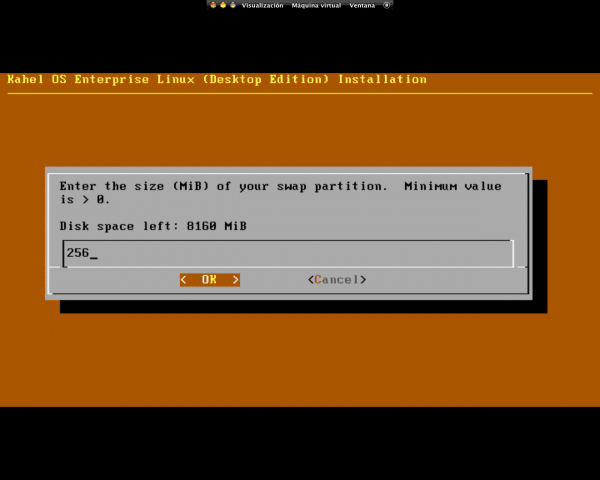
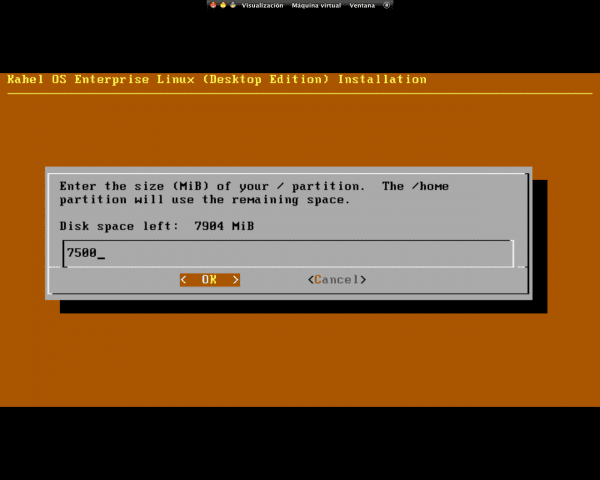
In the next window we accept
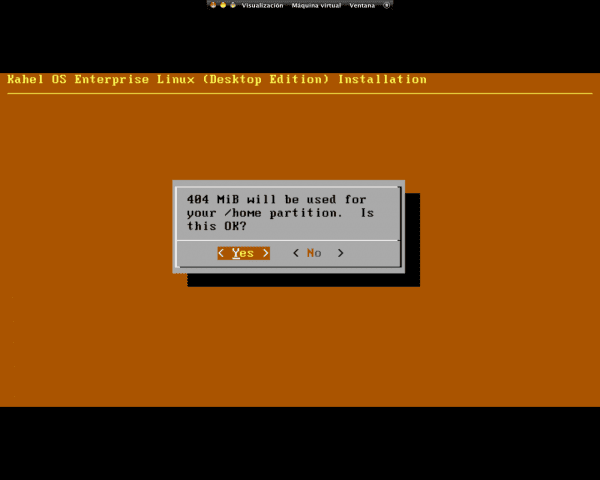
We select the file system for our home and accept the 3 windows
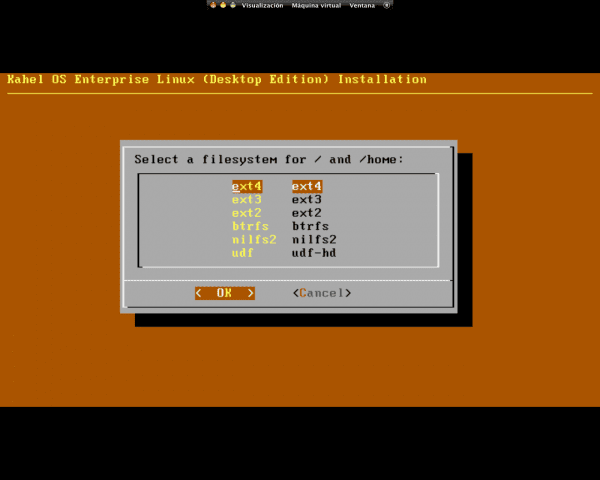
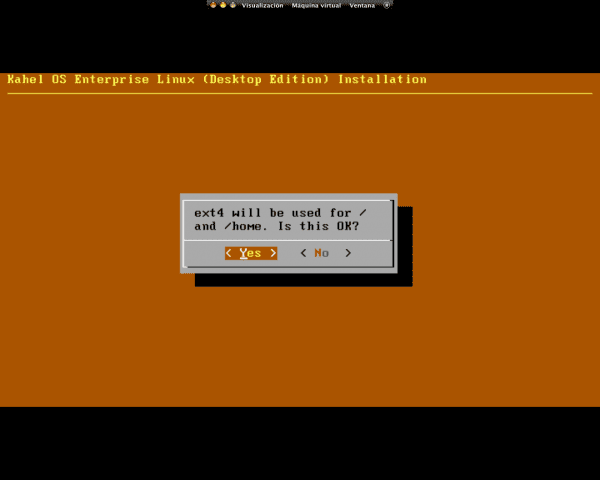
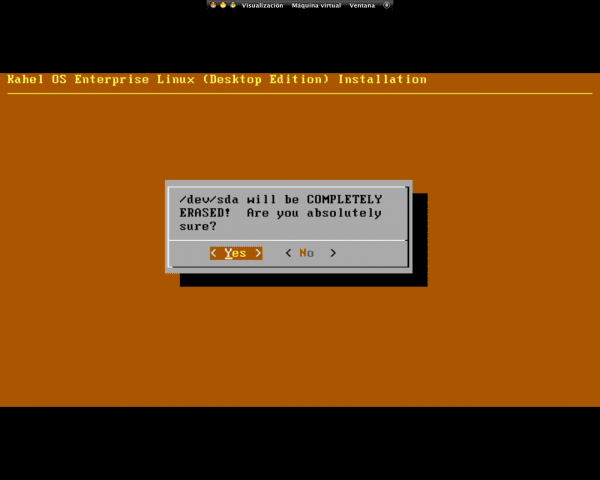
We return to the main menu and accept the changes
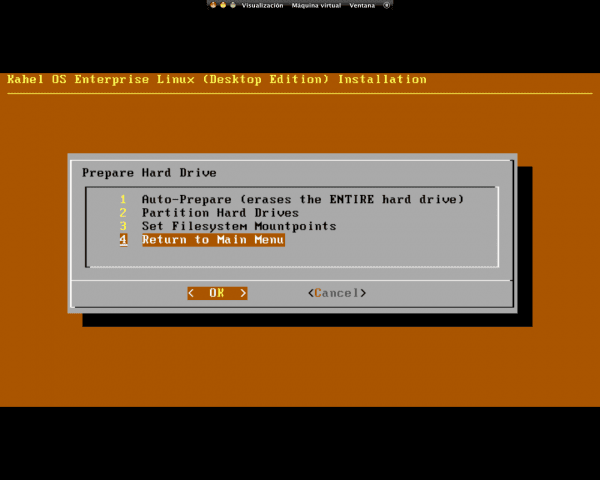
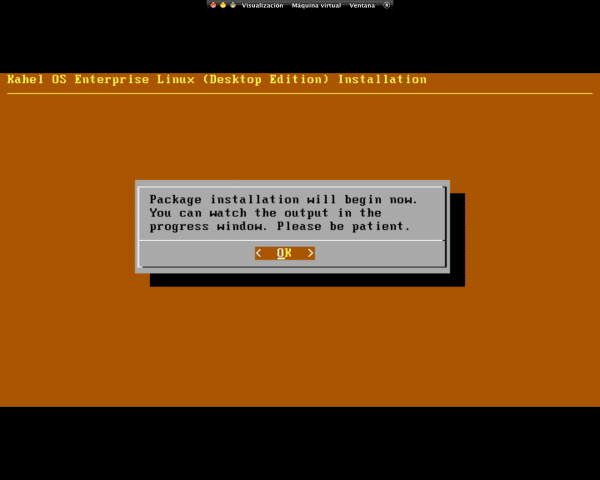
In the next window we write Y and press Enter
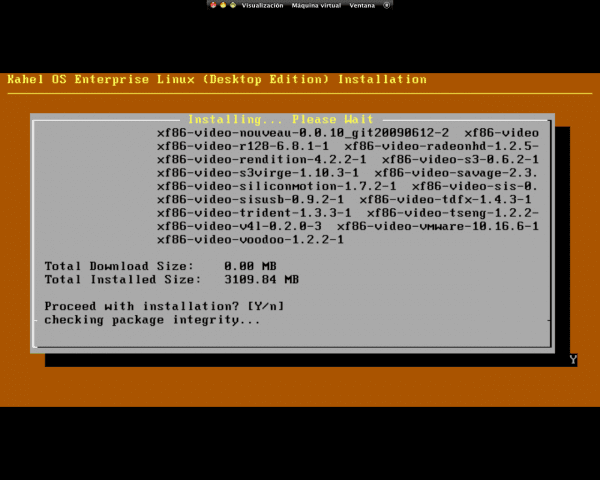
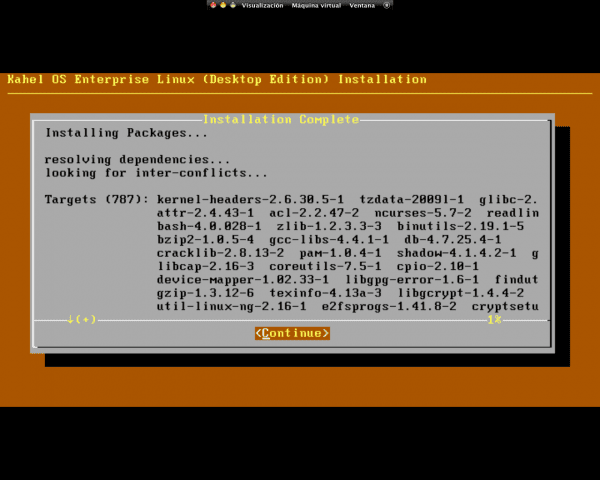
When you have finished and this window comes out, we accept and leave it for a while to finish
Now we configure our system
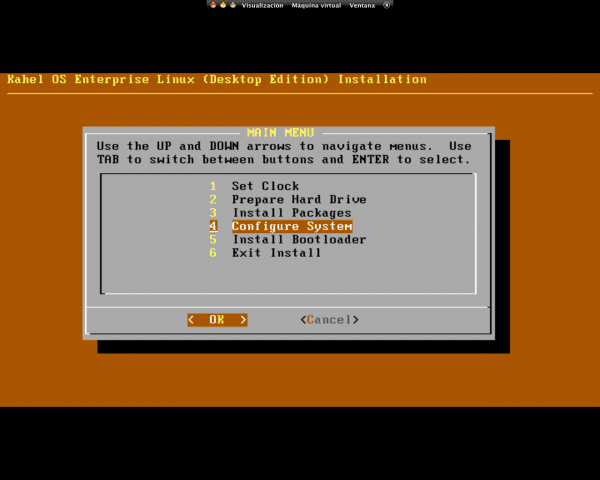
First we configure the name of our computer
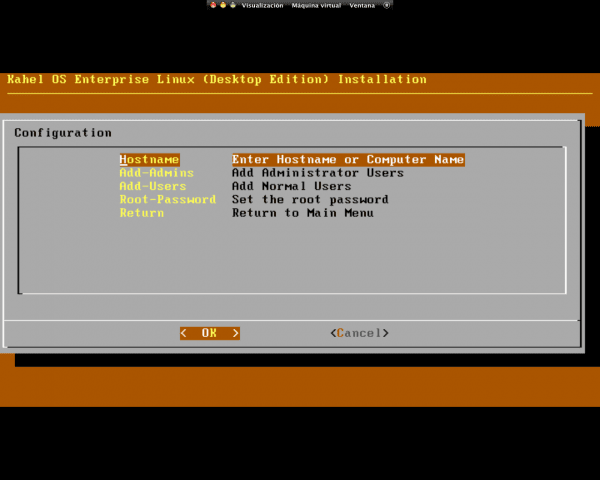
Now we add the root and its password
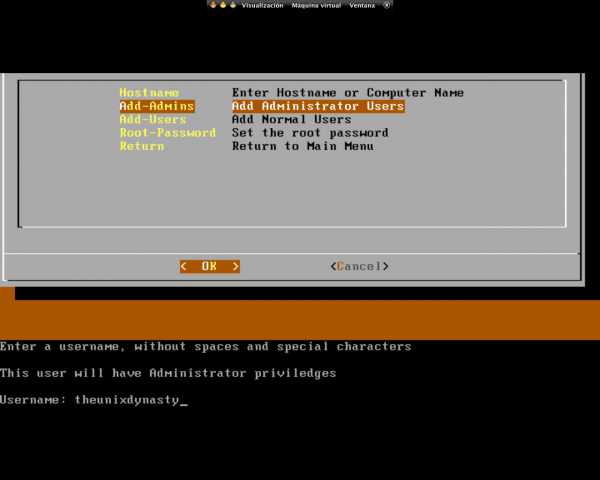
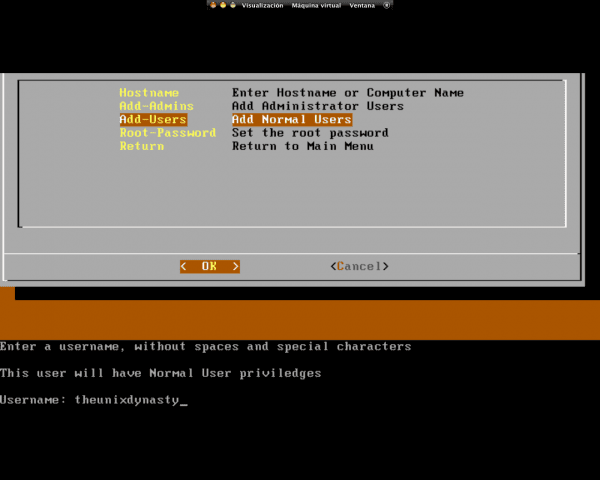
Now we add the normal user / s
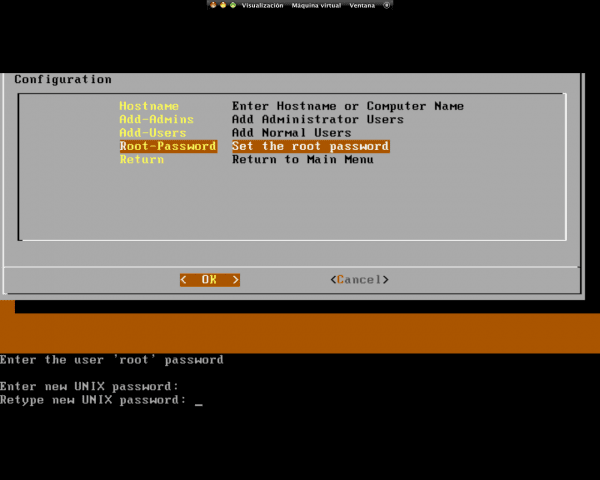
Now we add our root password
Now we will install the boot loader
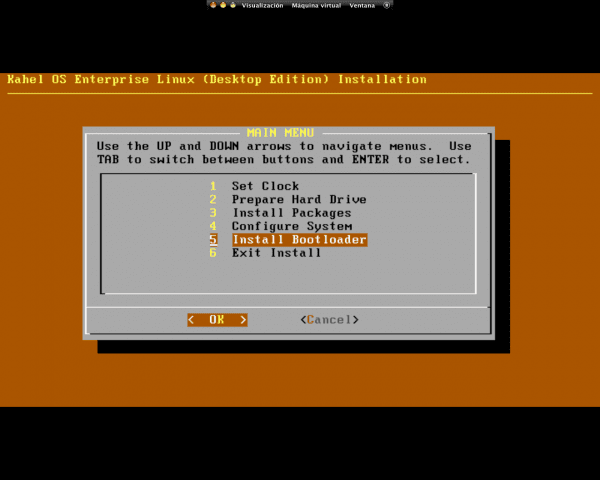
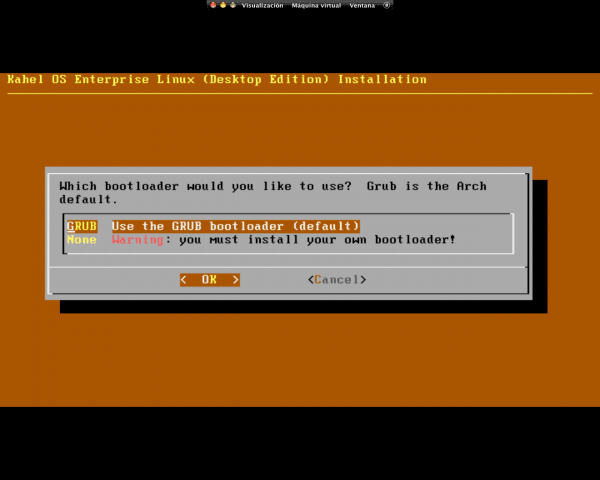
As you can see, it only allows us to install Grub, so we choose this one and accept the two windows
We choose the text editor to our liking, I notice that the Vi editor is more complicated to use than Nano and we exit the file that we get with Control + X
We choose the directory in which we want to install Grub and we say NO to the window after
Then we restart and we have it installed
The only interesting thing that I see is the step of configuring the system, which saves us having to add our user to the corresponding groups, as happens with ArchLinux. Otherwise, it's more of the same. ^^
And saving the entire second part
I see that it installs all xorg, I with arch install xorg-server and my video driver. That's why I don't like those distros that automatically install everything to work on any computer.
PS: as they have been copied from my guide in more or less format. Your previous guide sucks.
Well, thank you very much man, here leaving my balls to criticize me HAHA
By the way, the guideline is on I, not A
*Accent mark
Hahaha idiot guide *
+1 ... I prefer not to install anything generic, meta-package or something like that ... I only install my video driver, nothing else, I don't have to install shit from Ati, Nvidia or something else weird.
Neither do I, but keep in mind that some are scared by Arch, KahelOS scares a little less
@ Eduard2 and @Courage, calm guys we are supposed to be in a time of Peace, hehehehehehe.
Hahahahahahaha for me as if it is not Christmas, it is always the same, being at home without doing anything
Find yourself three girlfriends and you will see how you will be so busy that you won't even have time for me .., try and tell me, hahahahaha.
That would be more trouble, by the way:
http://foro.desdelinux.net/viewtopic.php?pid=1111#p1111
Lighter the algua
Now it turns out that you are the reincarnation of Grinch, hehehehehe.
ALgua? … what is that? … LOL!!!
More problems very true, but more pleasure.
Fuck what a lack ...
Come on ... look at these walls that will suit you like a glove:
http://artescritorio.com/un-paquete-de-wallpapers-especial-para-aquellos-que-no-disfrutan-la-navidad
I already saw them but Gabriela and I don't have the same reasons, apart from the fact that it bothers me to have to register to comment
Hahaha if it hurts to have to register to comment, otherwise I put +1.
By the way Garbage, what is your reason for not liking Christmas?
Before you come as a troll, put an accent on the i.
Well, for me it is always the same, continuous fights with the little children that I have as brothers, I am all day in my house, I have been 3 months that there is no way I can be calm, etc. in short, a lot of things
What happens? … Your little brothers make you the competition? LOL!!
They are some whores who are always fucking me, but in general I do not like children because it is synonymous with expenses, not being able to sleep, putting up with bullshit, getting upset and being hysterical lost every day at all hours, of disgust for notes, drunkenness, drugs, etc.
Thanks Courage for the input +1.
Great contribution! I am one of those who get scared with Arch HAHAHAHA, this is much simpler, but I do not see it as a distro to use, but rather as a distro to introduce you to Arch, since surely Kahel users will eventually prefer to move, or that's my impression
Well it's a good point of view
When I checked the difference between arch, chara and pclinux os, I realized that in speed on my pc, I didn't notice any difference, so I don't care much about the pre-installed stuff, in 20 minutes I have removed everything that I don't need XD . Still no one moves me from Linux chakra.
Best Arch.
100% editable.
Best gentoo, 200% editable XD
only for geeks with time.