
Komorebi: How to customize our Desks with animated backgrounds?
Continuing with our articles on personalization, today we will bring to the fore a great and very useful app for this purpose, called Komorebi.
Yes, Komorebi is a fabulous application that works as a beautiful and customizable wallpaper manager (wallpapers) fixed and animated for Linux, and that like Conky, allows us to give a special touch to our Desks, to show them in our screen shots the days we celebrate our #DesktopDay.
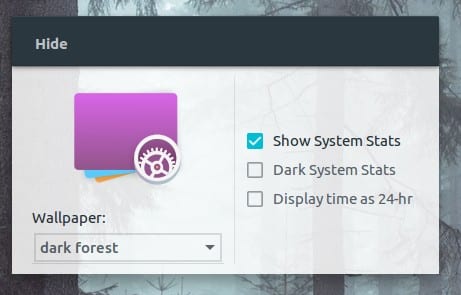
We won't go too far into explaining what it is Komorebi, since, almost 3 years ago we already talked about said application when it was in beta stage. However, citing that previous related post, we can say that:
"Komorebi is a beautiful and impressive wallpaper manager for any Linux distro, it is open source and was developed in Vala by Abraham Masri. The tool has customizable backgrounds that can be configured in various ways and at any time, it has multiple screen backgrounds (animated, static, gradient, among others), and they are enriched with various options that the tool offers us." Komorebi: A beautiful and customizable wallpaper manager
In this current publication we will focus more on how to use your current version.
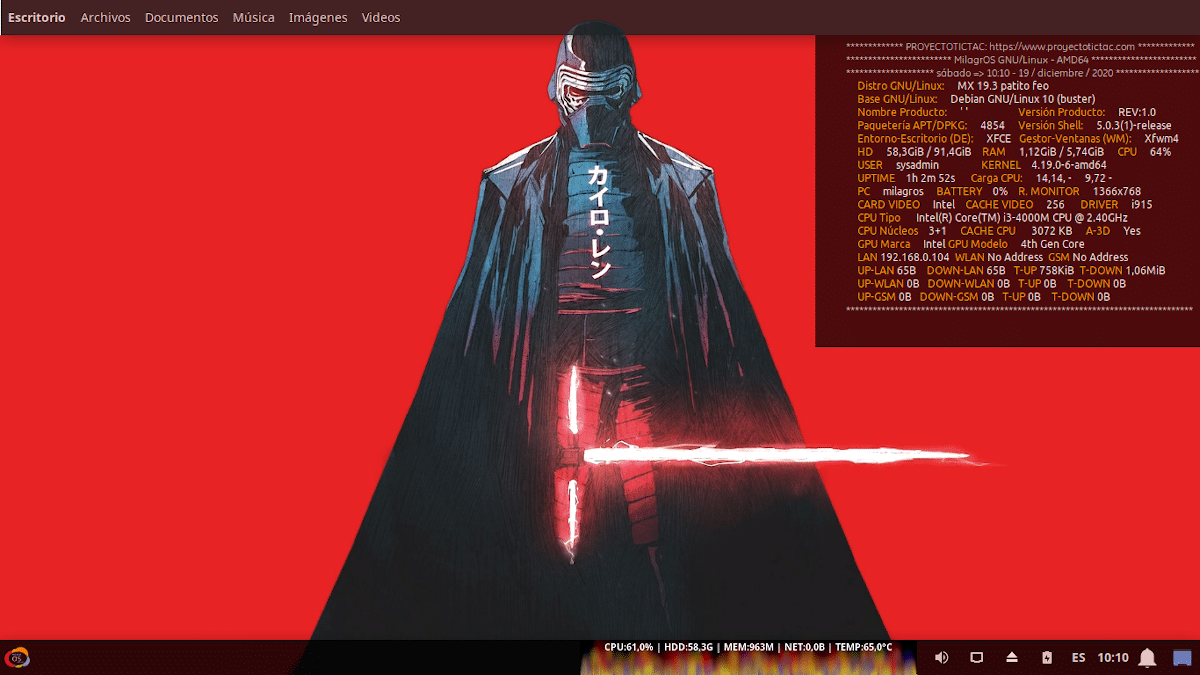
Komorebi on XFCE
Using Komorebi + Windows Header + AppMenu Module
To explain how to obtain a personalized and animated Desktop, such as the one shown in the immediate upper image, we will use a GNU / Linux Distro call MX Linux 19.3, specifically a personal Respin named Miracles.
Step 1:
The first thing to do is install Komorebi, downloading from your official website on GitHub, the right installer for a GNU / Linux Distro as the one used by us for this Tutorial, which is based on Debian 10 and use XFCE. To do this, you can also click on the following link: komorebi-2.1-64-bit.deb.
And then we proceed to install it in the most comfortable way for each one. In our case, we use the following command command:
«sudo apt install ./Descargas/komorebi-2.1-64-bit.deb»
Step 2:
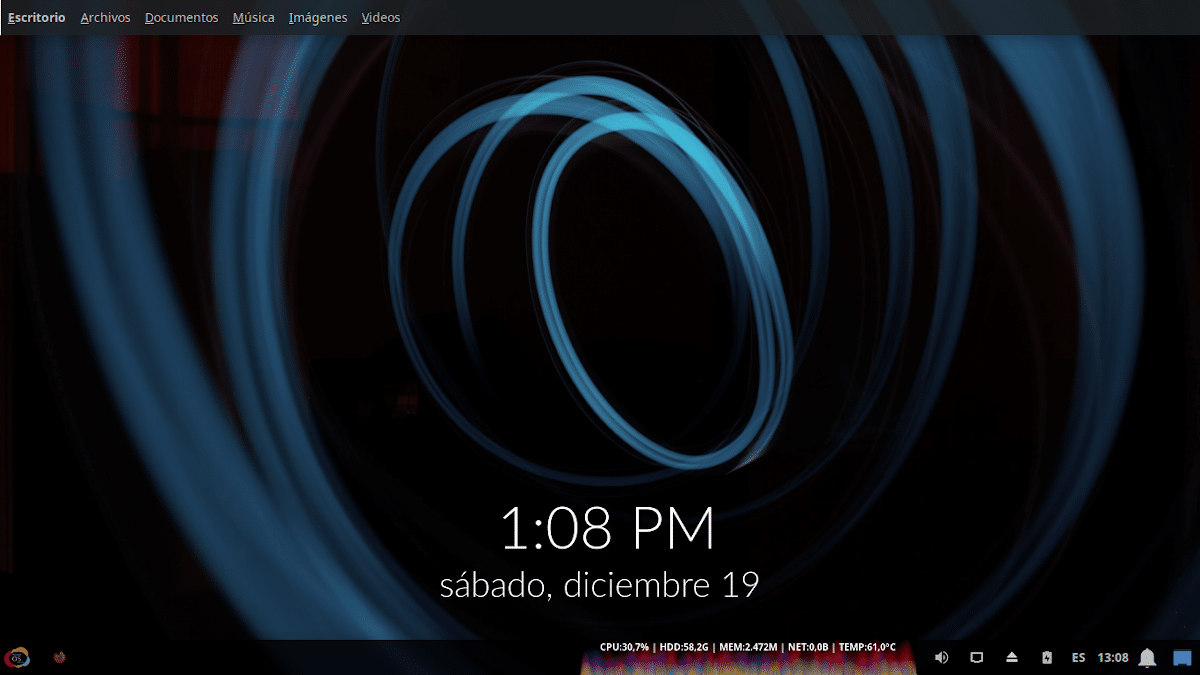
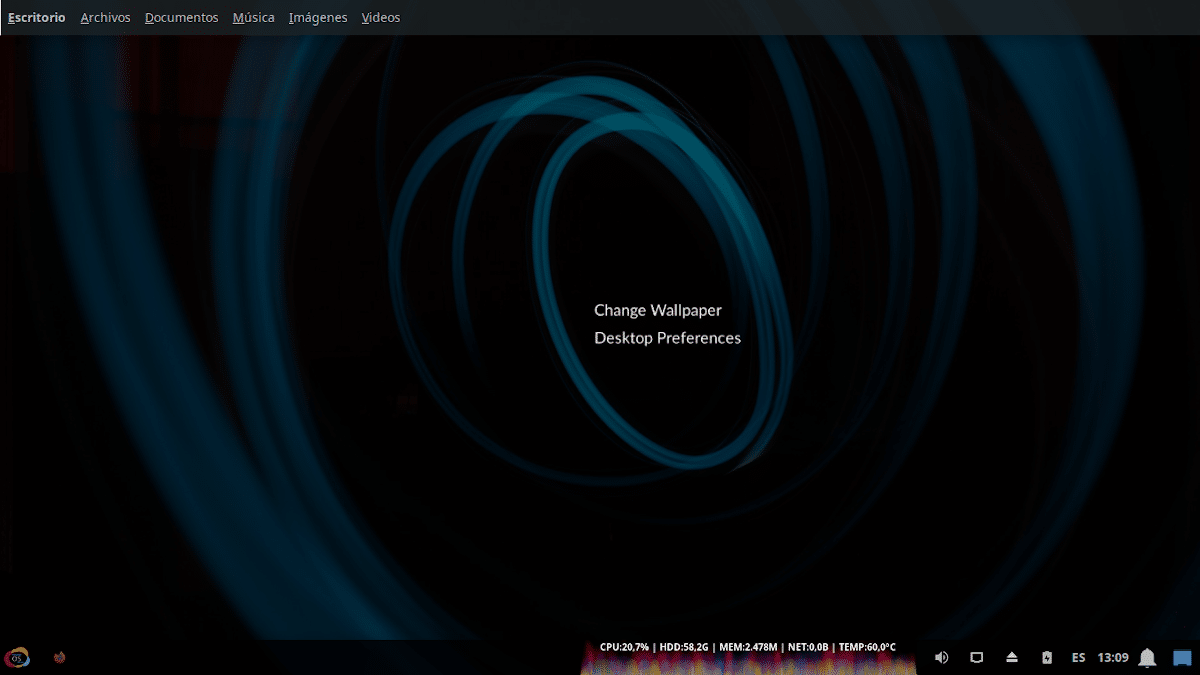
After installed, we proceed to execute it by looking for it in the Applications Menu, category System. Once opened, it will be executed starting by default, a new Desktop Theme Default (Desktop Wallpaper). To the Configuration Menu accessed by right clicking on the Desktop. About this, and in the option of «Change Wallpaper» (Change Wallpaper) we can choose the one we want.
Whereas if we want to add a new one, we only have to copy an existing folder from the path «/System/Resources/Komorebi/» and rename it. Then replace the files «video.mp4» y «wallpaper.jpg», by those of our preference keeping the same names. So we can see and select it from the Configuration Menu, activating it. All of this, as seen in the immediate lower images.
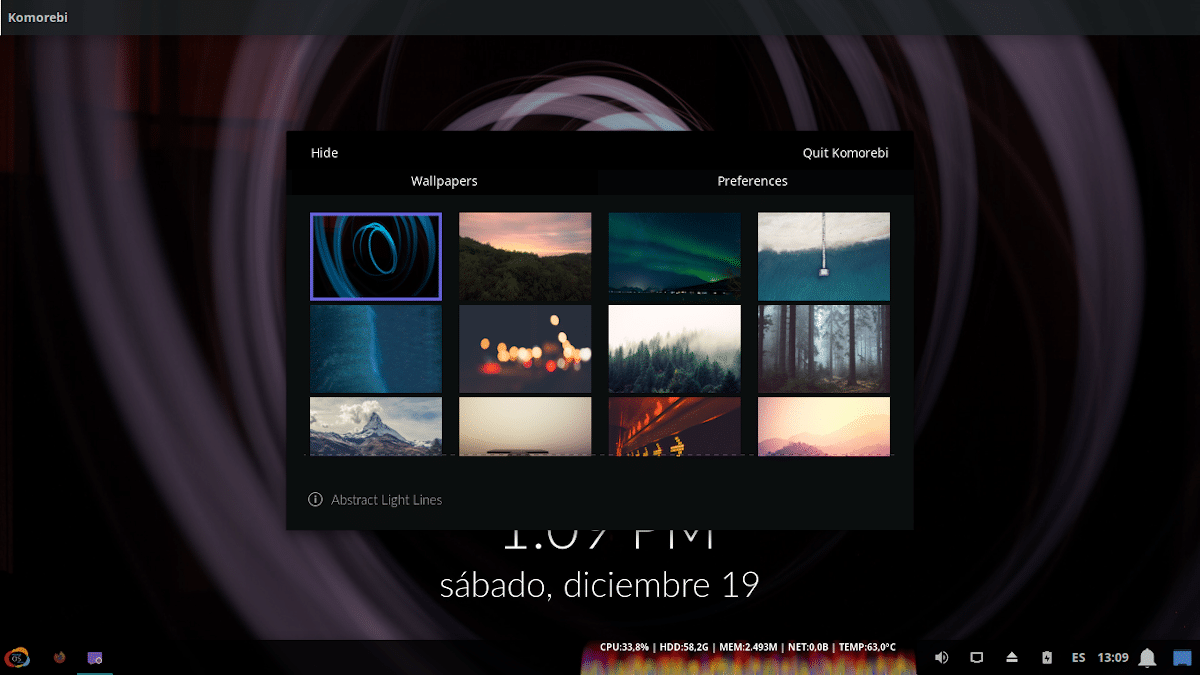
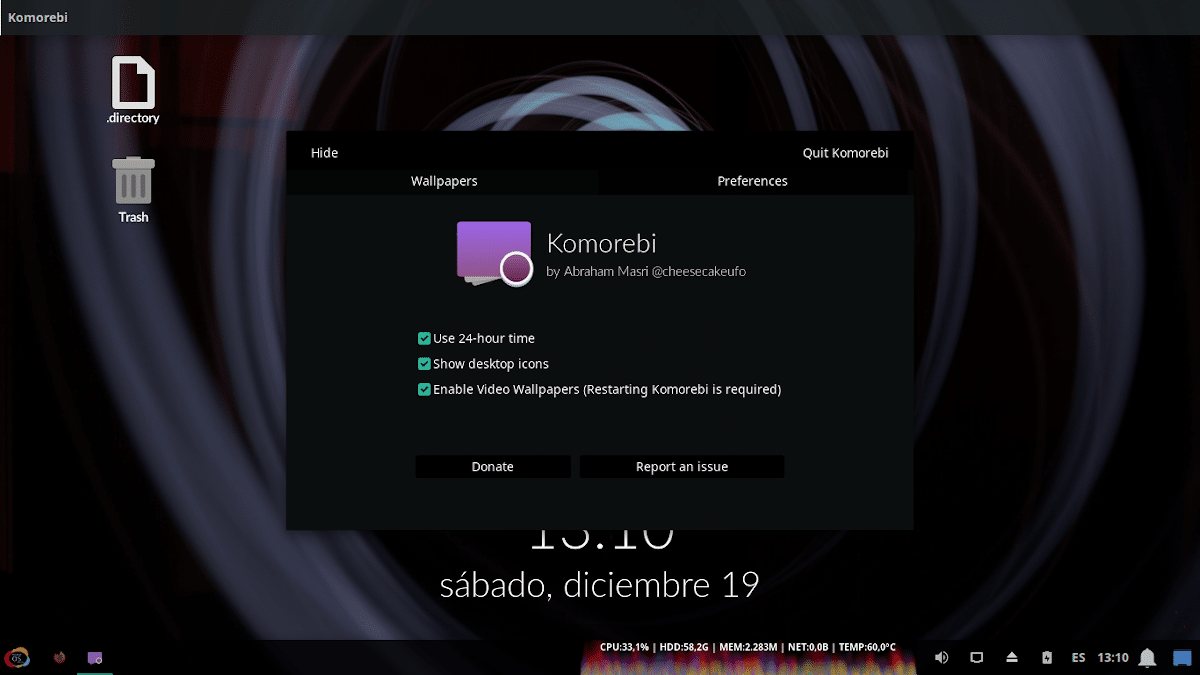

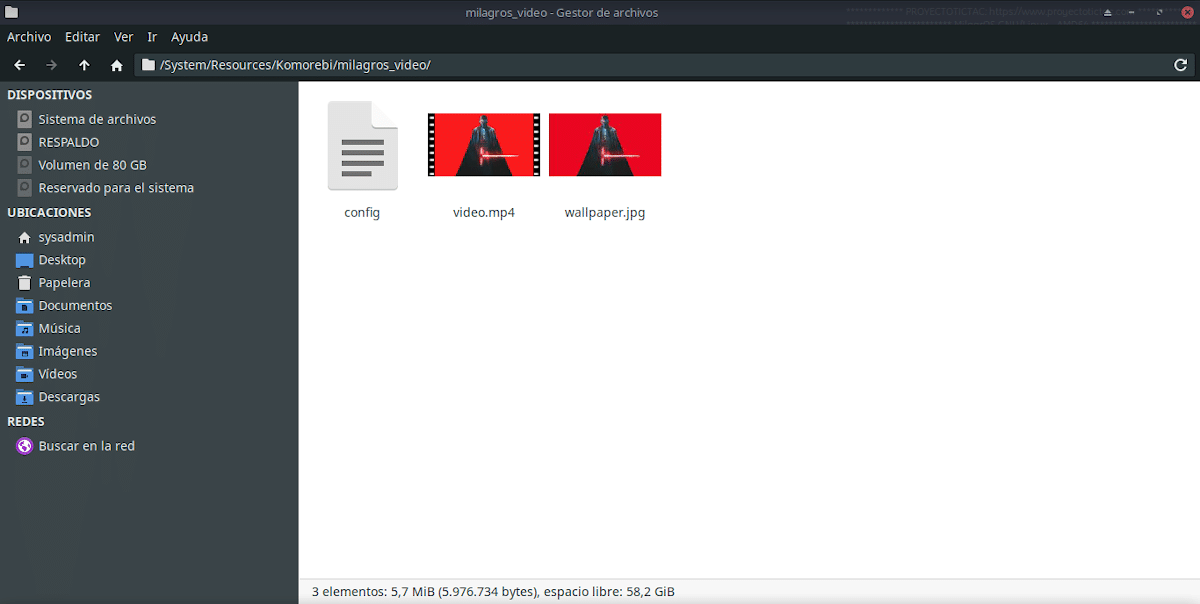
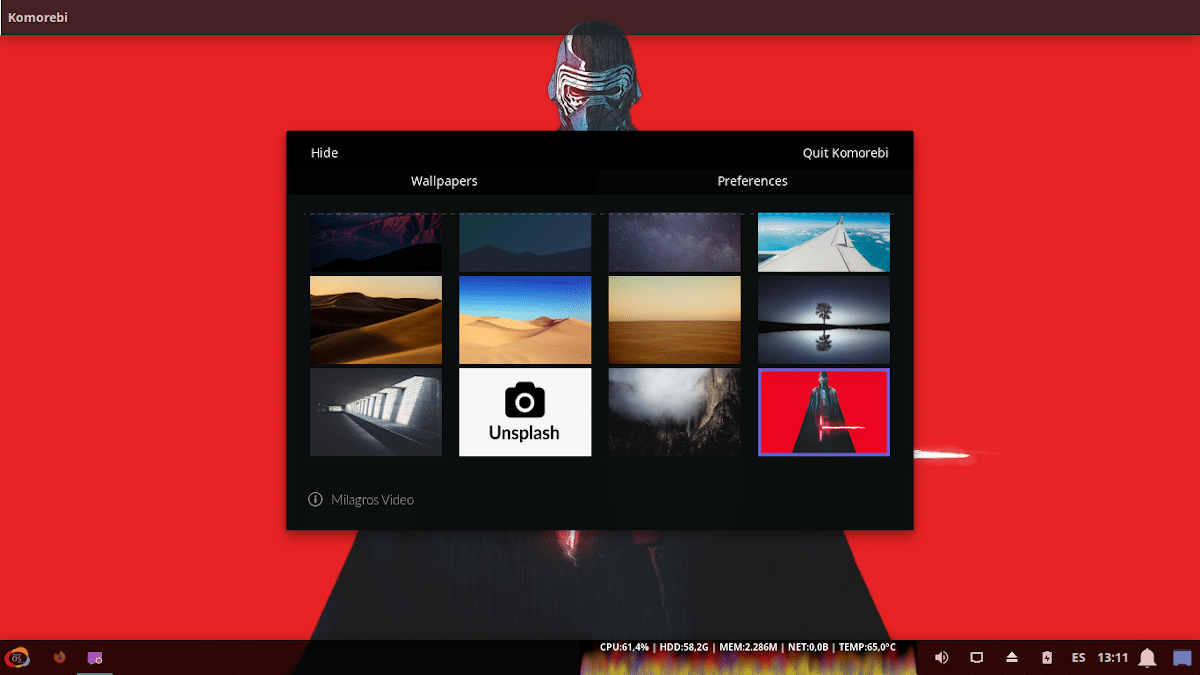
Note: Our video (animated background) has been downloaded from the web Desktop Hut.
Step 3:
For those who wish to configure a Global Menu for your applications at Mac OS style over XFCE, just add a Extra top panel (Panel 2), and add the following elements to it: «Windows Header - Buttons» y «Módulo AppMenu». As seen in the following images below:
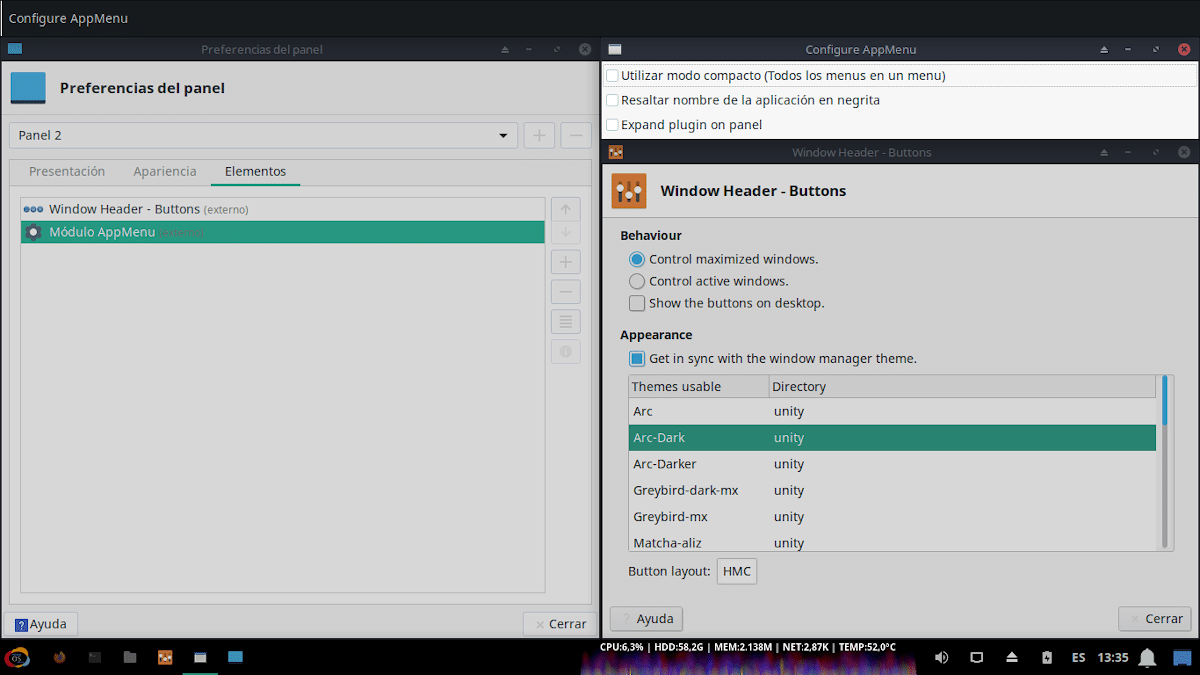
Once all these steps have been carried out, on the corresponding GNU / Linux Distro with XFCE and using Komorebi y AppMenu, anyone will have a shiny new Desk to show in their favorite Group or Community, on the exact day that the «DiaDeEscritorio».
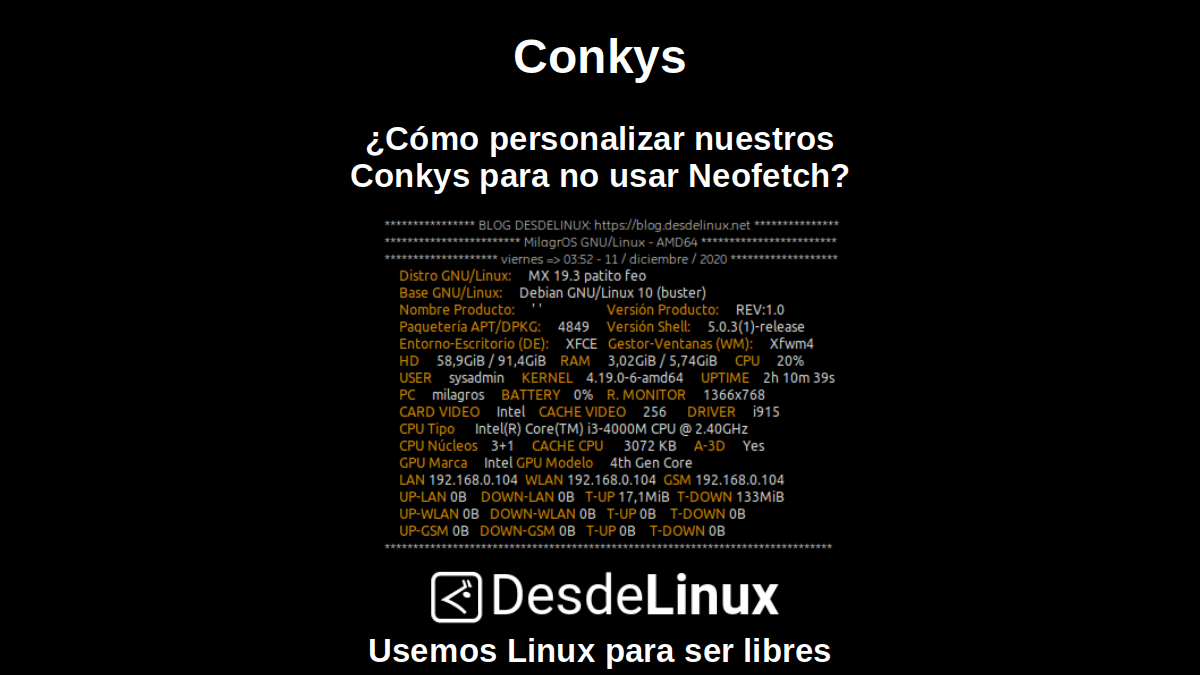
And if you want to use a Conky like the one seen much above, we recommend reading our previous post related to Conky's:

Conclusion
We hope this "useful little post" about «Komorebi», that fabulous application that works as a beautiful and customizable manager of fixed and animated wallpapers for Linux, and that like Conky, allows us to give a special touch to our Desks, to show them in our screen shots the days we celebrate our «DiaDeEscritorio»; is of great interest and utility, for the entire «Comunidad de Software Libre y Código Abierto» and of great contribution to the diffusion of the wonderful, gigantic and growing ecosystem of applications of «GNU/Linux».
And for more information, always do not hesitate to visit any Online library as OpenLibra y jedit to read books (PDFs) on this topic or others knowledge areas. For now, if you liked this «publicación», don't stop sharing it with others, in your Favorite websites, channels, groups, or communities of social networks, preferably free and open as Mastodon, or secure and private like Telegram.