
Regards. I hope this 2015 will be full of tutorials, tips and Geek's help for all the users who constantly post and visit this website.
Just before 00:00 on 31/12/2014 I had some problems with yogurt in my new Archlinux installation.
If you wonder Why re-installation if it is a Rolling Release? Well, I am always finding out new things and in one of those I loaded the system. I saved the important files (advice to keep the most important in the cloud), and reinstalled Arch thanks to the guide of Alexander ponce which is still useful in 2015, however I had the inconvenience that Pacman updated to its version
.--. Pacman v4.2.0 - libalpm v9.0.0 / _.- '.-. .-. .-. Copyright (C) 2006-2014 Pacman Development Team \ '-. '-' '-' '-' Copyright (C) 2002-2006 Judd Vinet '-' This program may be freely distributed under the terms of the GNU General Public License
Apparently at the moment one of the dependencies of yogurt has drawbacks, I mean package-query and I hadn't compiled manually before so I started to search, read, ask and test.
However, the best guide is always the main source of any program, and this time the solution was in English, but as they are commands there is no translation, but an order that can be followed for manual compilation
Yaourt compilation
Compilation of package-query
curl -O https://aur.archlinux.org/packages/pa/package-query/package-query.tar.gz tar zxvf package-query.tar.gz cd package-query makepkg -si cd ..
Compilation of yogurt
curl -O https://aur.archlinux.org/packages/ya/yaourt/yaourt.tar.gz tar zxvf yaourt.tar.gz cd yaourt makepkg -si cd ..
At the end you can update the whole system to check that everything is in order with a:
$ yaourt -Syyau
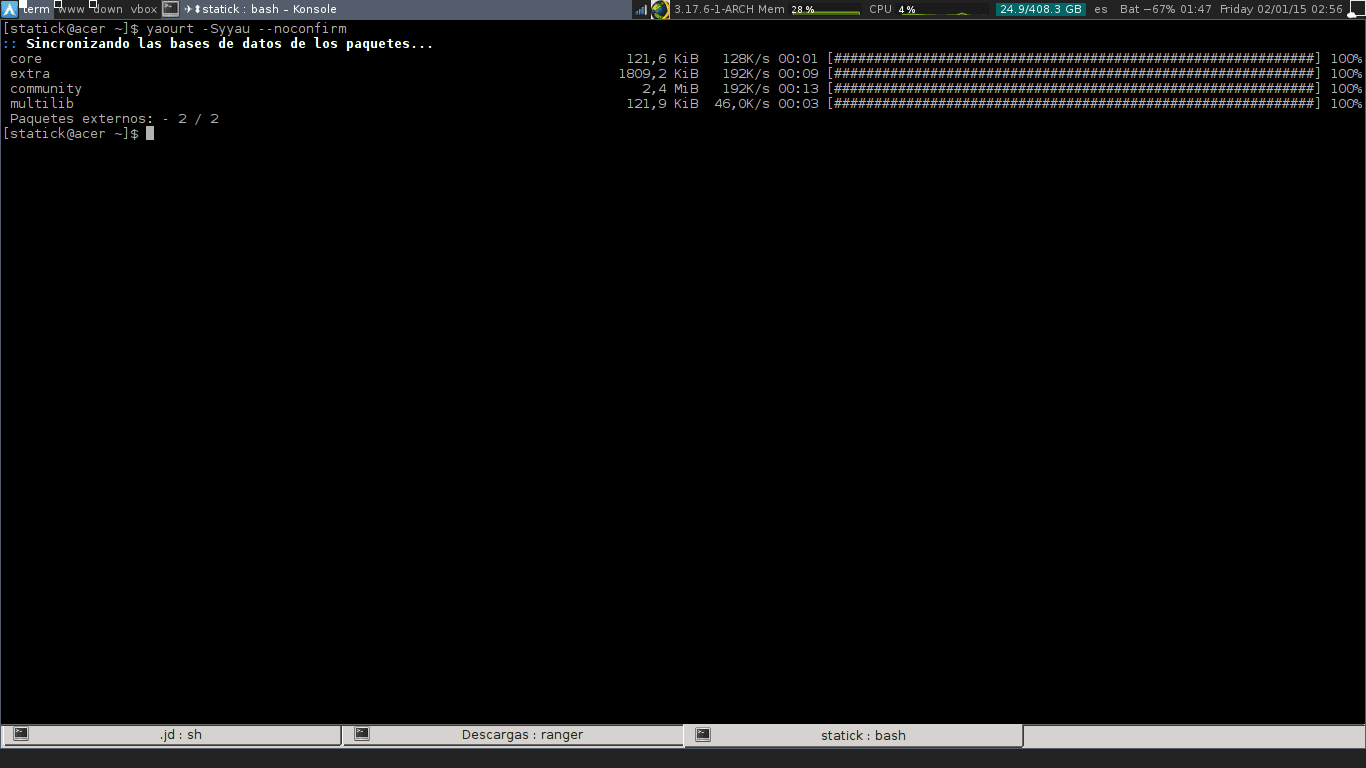
Remember that yaourt is run as a normal user and not as root. Successes
Taken from the Yaourt official site: https://archlinux.fr/yaourt-en
The same thing happened to me today in the morning while I was updating, your post would have been very good for me before I investigated on the Internet xD. Excellent contribution.
If I thought it was convenient to create this post only as a help because I saw that the arch users after the update arises that problem
regards
I use packer, which is one of the great unknown AUR helpers, it seems more comfortable and not so heavy when I want to install a program.
I use it is easy, for example I use almost always
$ packer program_name
Good that there is an author dedicated to Archlinux! Great.
Thanks, when I tried to update my system after several months I was scared to see that error, luckily its solution was quite simple and fast with the instructions you put.
By the way I have errors when loading DesdeLinux using HTTPS (I guess for blocking insecure content).
regards
I had the same problem, thanks for sharing
What a hell of a distro ………
And what was the error you had with pacman and yaourt ???, I had problems and it gave me this error:
curl error: Couldn't connect to server
But I fixed it, editing the file
/etc/hostsadding the following:5.9.250.164 aur.archlinux.org
I am trying to compile it for the raspberry and it gives me the following error:
/ home / viruspi / package-query / PKGBUILD: line 16: make: command not found
==> ERROR: There was a crash in build ().
Canceling ...